Features:
USB Type-C PD Chargers
USB Type-A Chargers
Multi-Port USB Chargers
Integration-Ready Charging PCBAs


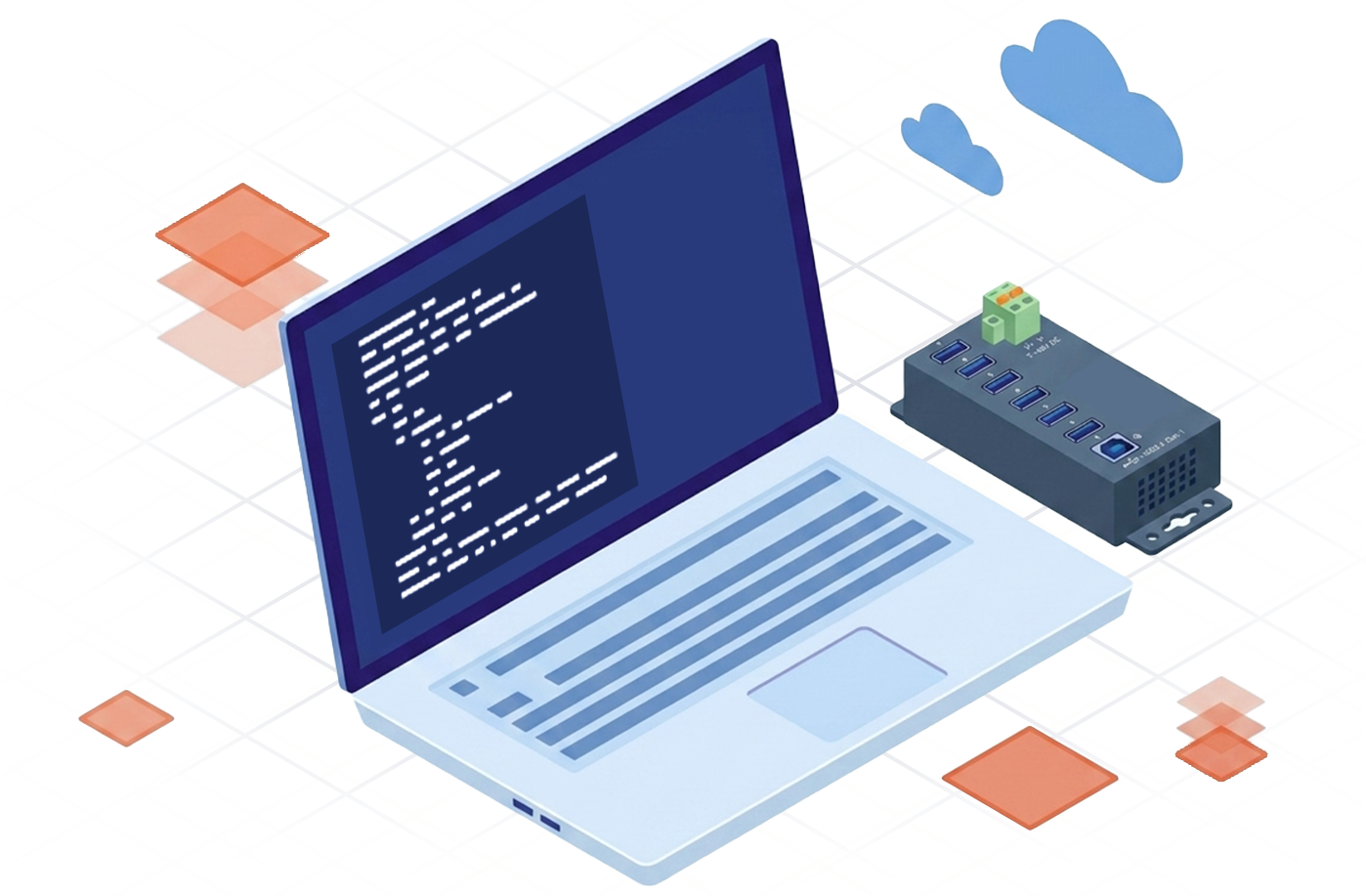
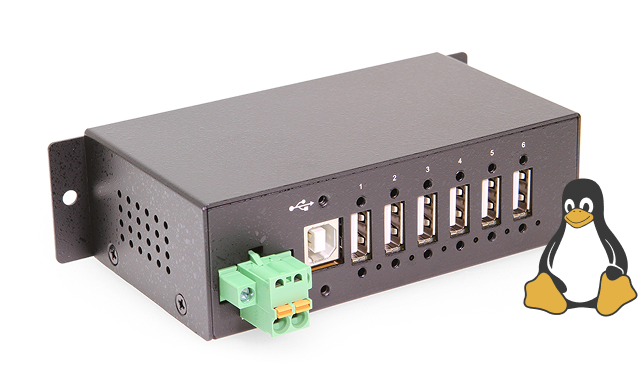
Looking to get started with Linux? This guide walks through the basic steps required to communicate with a Coolgear Managed USB Hub from Linux. By the end, you’ll be able to turn USB ports on and off, verify communication, and begin building your own automation scripts.
Take programmatic control of your hardware infrastructure. Browse our library of Bash scripts below to streamline your operations and easily integrate managed hubs into your existing workflows.
Automatically recover & power cycle USB
devices that have dropped off of bus power.
Enable or disable specific ports at designated
times to save power and secure endpoints.
View case studies showcasing Coolgear’s managed port USB hubs.
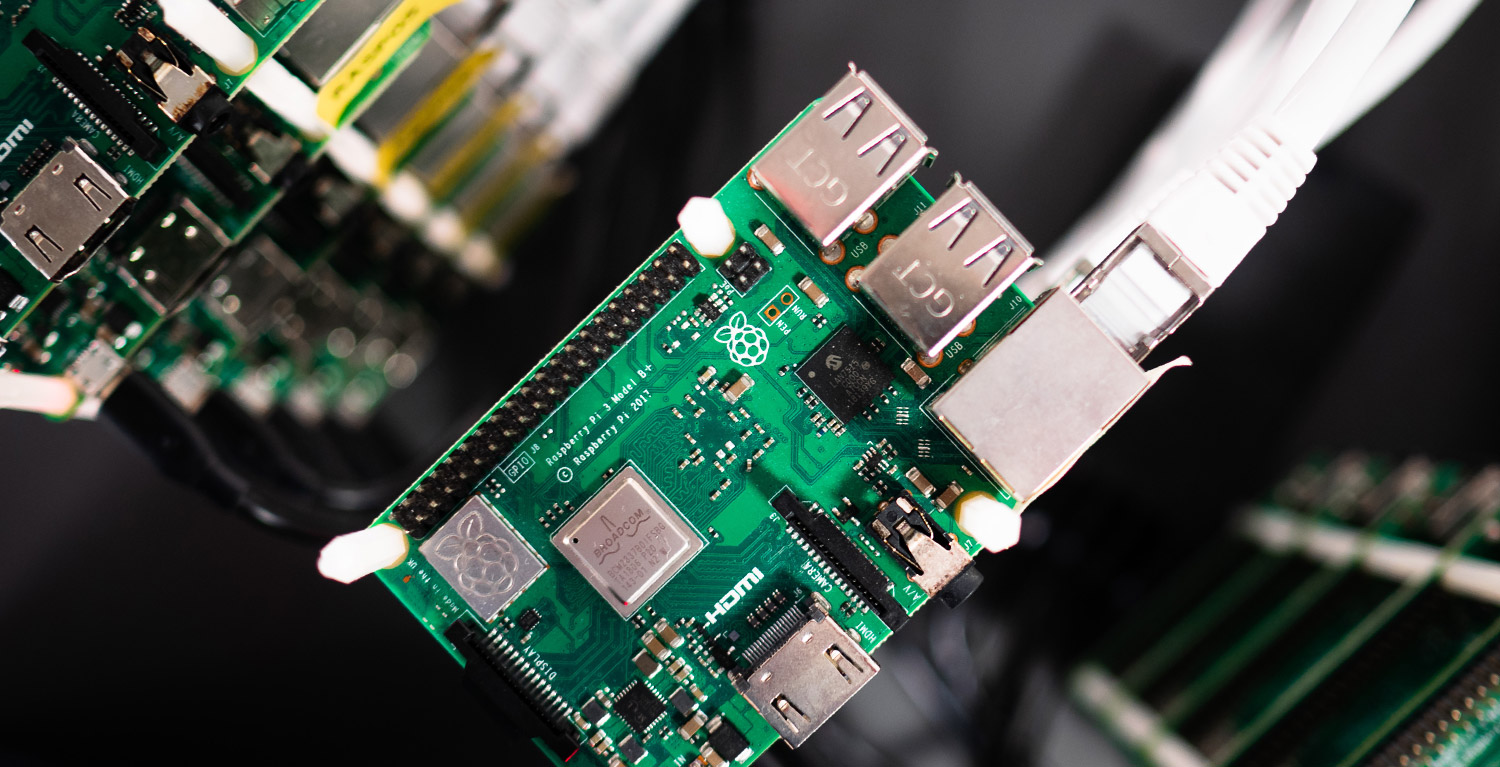
Automating CI/CD Pipelines and Remote Device Recovery in a Lights-Out Embedded Systems Lab.
Learn More
Charlie P., a dedicated amateur astronomer, sought a dependable solution for managing his equipment remotely.
Learn MoreExplore More. Automate More.
Discover more powerful automation scripts or explore Coolgear’s lineup of compatible Managed USB Hubs to expand your USB control capabilities.