





















USB (Universal Serial Bus) connectors have evolved over the years, with different types serving specific purposes and offering varying performance levels. Here is an overview of the major USB connector types, their uses, and characteristics:
Connector Types
USB Type-A
The most recognizable USB connector, found on computers, chargers, and other devices. It has a flat, rectangular shape. Primarily used to connect peripheral devices like keyboards, mice, flash drives, and external hard drives to computers. It is also common in chargers for mobile devices and other electronics. USB Type-A supports various standards including USB 1.1, 2.0, 3.0, and 3.1. USB 2.0 offers a maximum speed of 480 Mbps while USB 3.0 and 3.2 offer up to 5 Gbps (USB 3.0) or 10 Gbps (USB 3.1). Browse our USB Type-A cables →


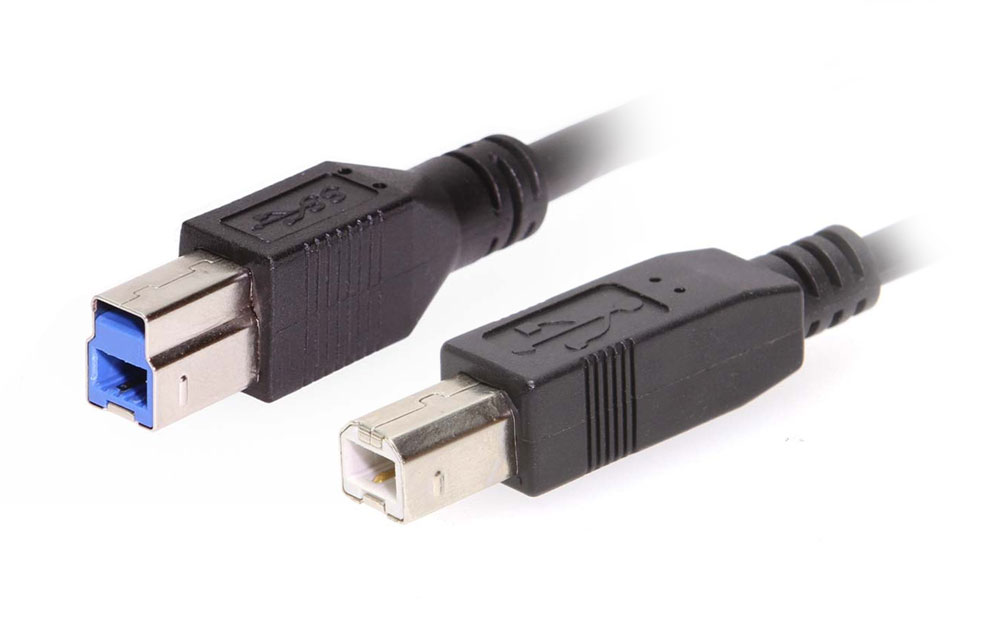
USB Type-B
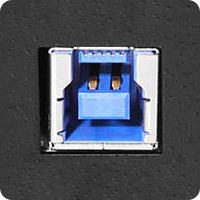
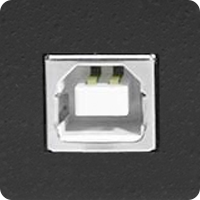
A square-shaped connector, usually with a slightly beveled top. Older printers and some other devices used this. Mainly found on printers, scanners, and other larger devices that connect to computers. USB Type-B supports USB 1.1, 2.0, 3.0, and 3.2 standards. USB 2.0 offers a maximum speed of 480 Mbps while USB 3.0 and 3.2 offer up to 5 Gbps. Browse our USB Type-B cables →



USB Mini-B
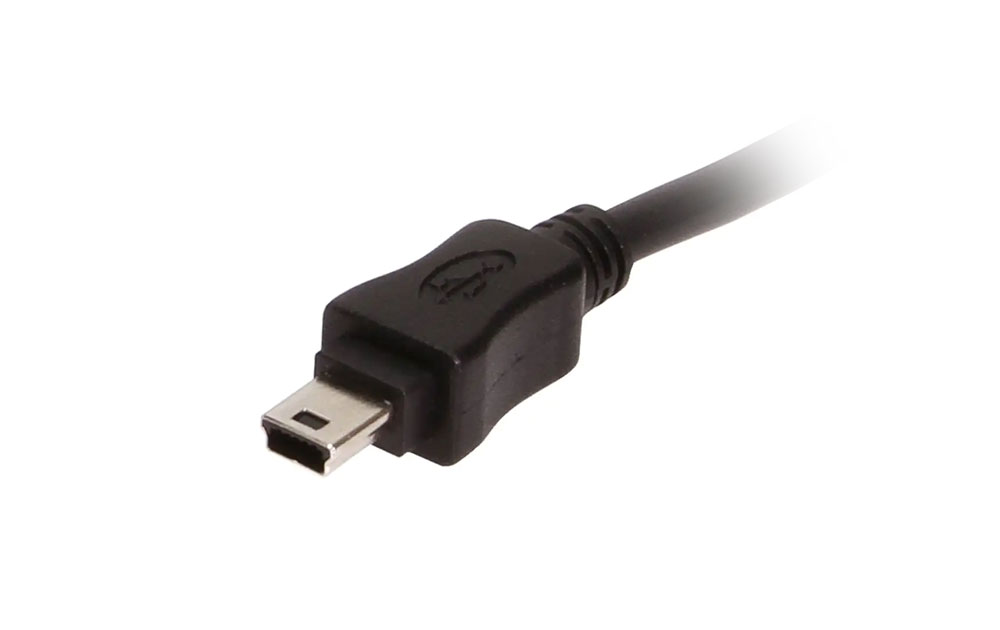
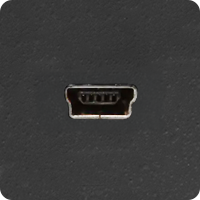
A smaller, rectangular connector with beveled corners, designed for smaller devices.Used in older portable devices like digital cameras, MP3 players, and some smartphones. USB Mini-B commonly supports USB 2.0 speeds (480 Mbps). This connector however, was largely phased out in favor of Micro-USB and USB-C.


USB Micro-B
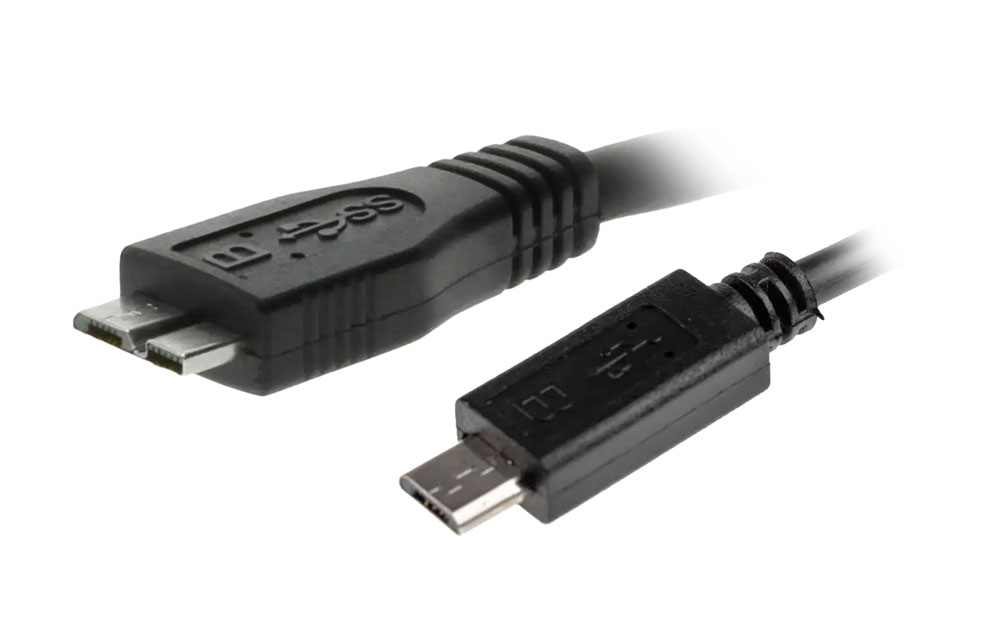
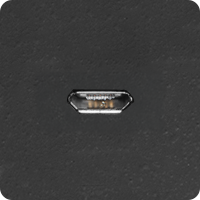
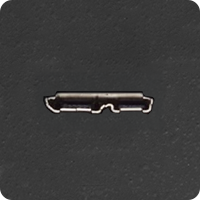
A compact connector with a thinner design compared to USB Mini-B. Common in older smartphones, external hard drives, and other portable electronics. USB Micro-B supports USB 2.0 (480 Mbps) and USB 3.0 (5 Gbps for the USB 3.0 version, which has a slightly different design with extra pins). Often used for charging Android devices before the shift to USB-C.



USB Type-C
A small, reversible connector that works regardless of how it is plugged in, eliminating the frustration of earlier connectors’ orientation. Widely adopted for smartphones, laptops, tablets, and other modern electronics. It is the current standard for most new devices, supporting both power delivery and high-speed data transfer. It’s also used for Thunderbolt 3 and 4 connections. USB-C supports USB 3.2 Gen 2 (10 Gbps), USB 3.2 Gen 2×2 (20 Gbps), and USB4 (40 Gbps) depending on the version. These connectors are also capable of delivering up to 100W of power, making it suitable for charging large devices like laptops. Browse our USB Type-C cables →


Common Cable Type Pairings
USB Type-C to Type-C
This configuration has Type-C connectors on both ends, enabling devices like smartphones, laptops, and monitors to connect and transfer data or power efficiently. Commonly used for modern MacBooks, Chromebooks, Android smartphones, and high-performance monitors that support USB-C for power and display purposes. Supports up to USB4 with data transfer speeds up to 40 Gbps, depending on the cable and the connected devices.
USB Type-C to Type-A
A Type-A connector on one end and a Type-C connector on the other. Allows backward compatibility between older computers or chargers with Type-A ports and newer devices using USB-C ports.
USB Type-C with Thunderbolt
USB-C connectors that support Thunderbolt 3 or 4 offer high-speed data transfer, video output, and power delivery in one port. Used in high-end laptops, docking stations, and external GPUs (graphics processing units). Thunderbolt over USB-C is popular in creative and professional industries requiring high bandwidth. Thunderbolt 3 / 4 supports up to 40 Gbps.

USB Versions and Their Speeds

Power Delivery (PD) via USB
USB Type-C connectors support USB Power Delivery (PD), a specification that enables faster and more flexible charging of devices. PD allows devices to negotiate power levels, providing anywhere from 5W up to 100W or more (e.g., laptops, and monitors).