


Features:
USB Type-C PD Chargers
USB Type-A Chargers
Multi-Port USB Chargers
Integration-Ready Charging PCBAs

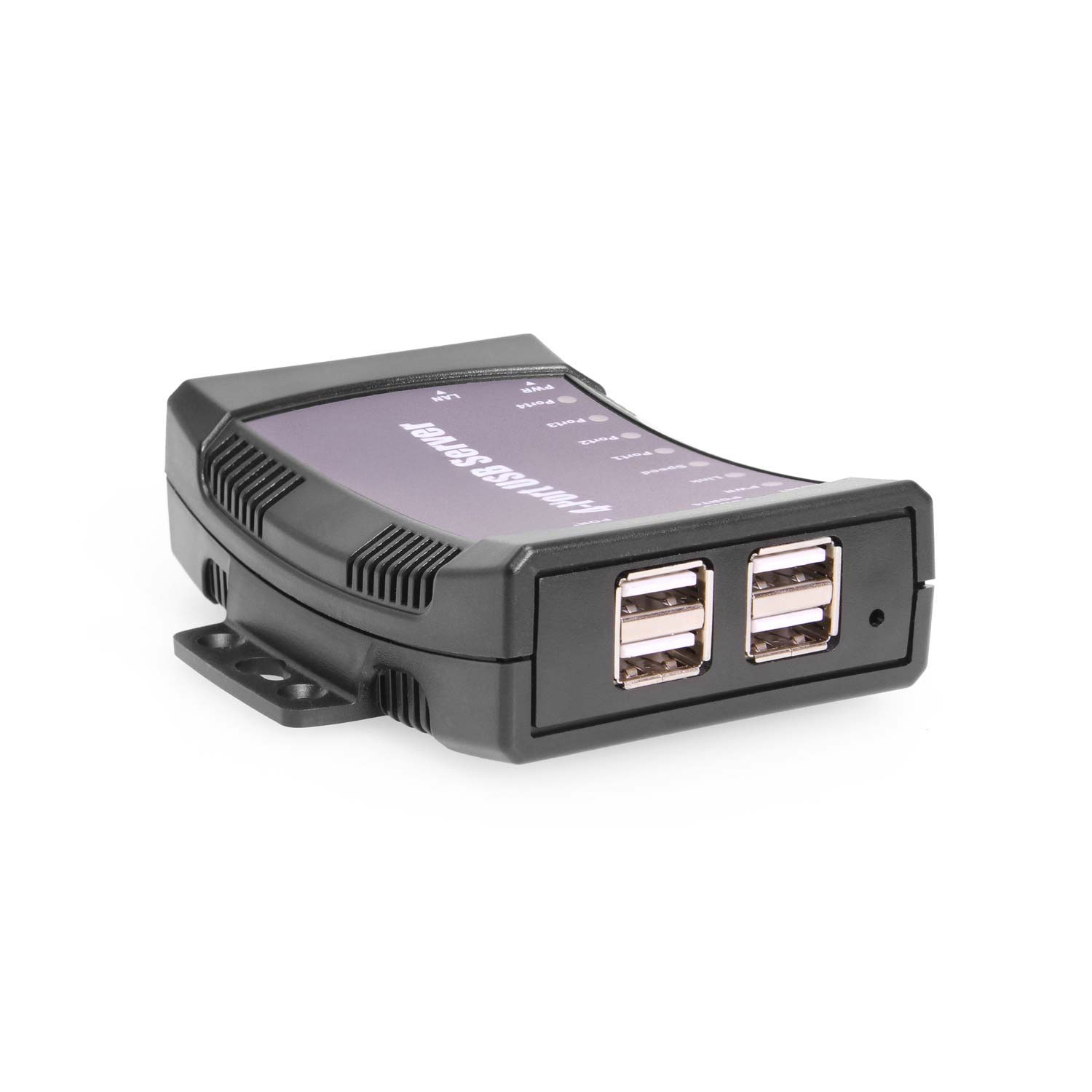
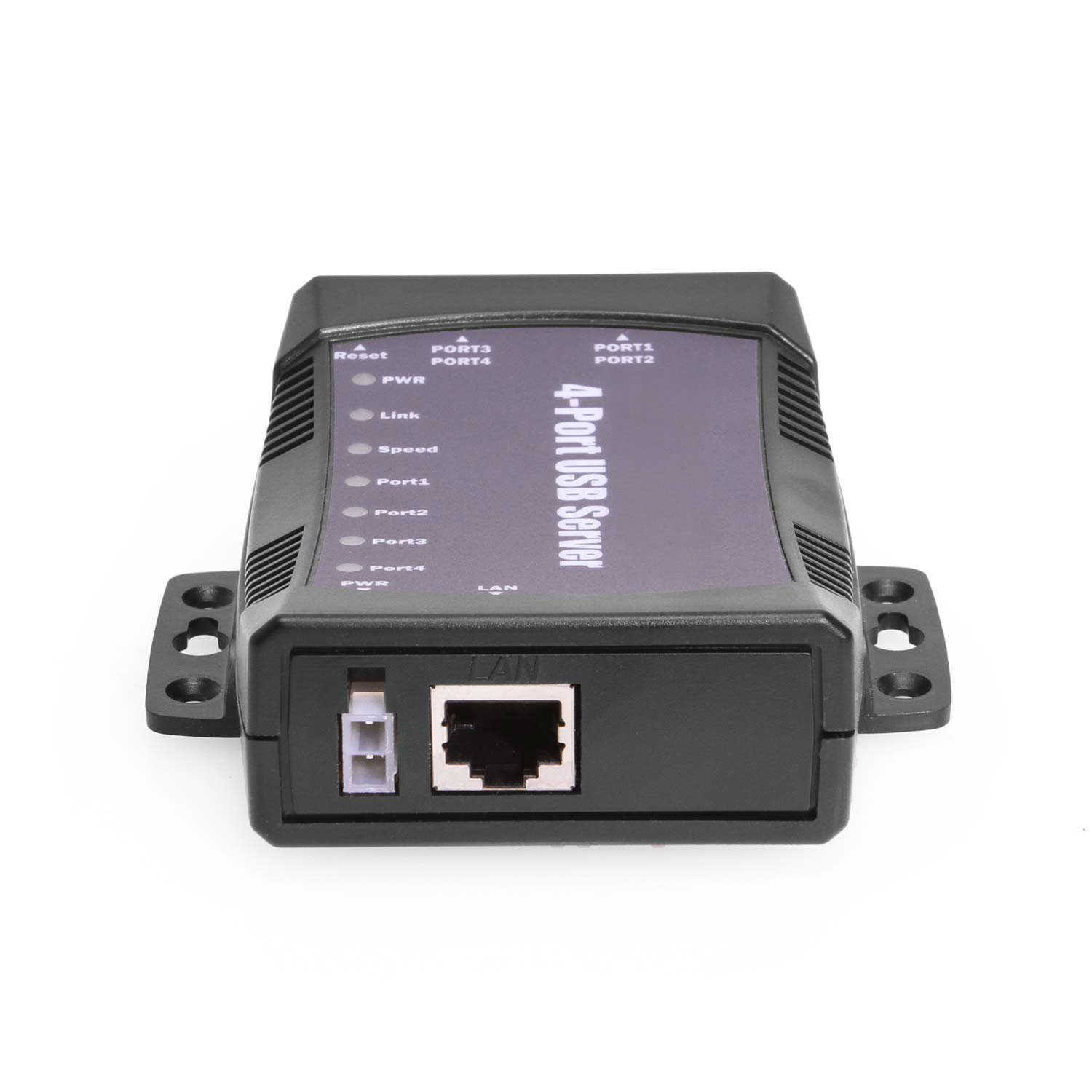
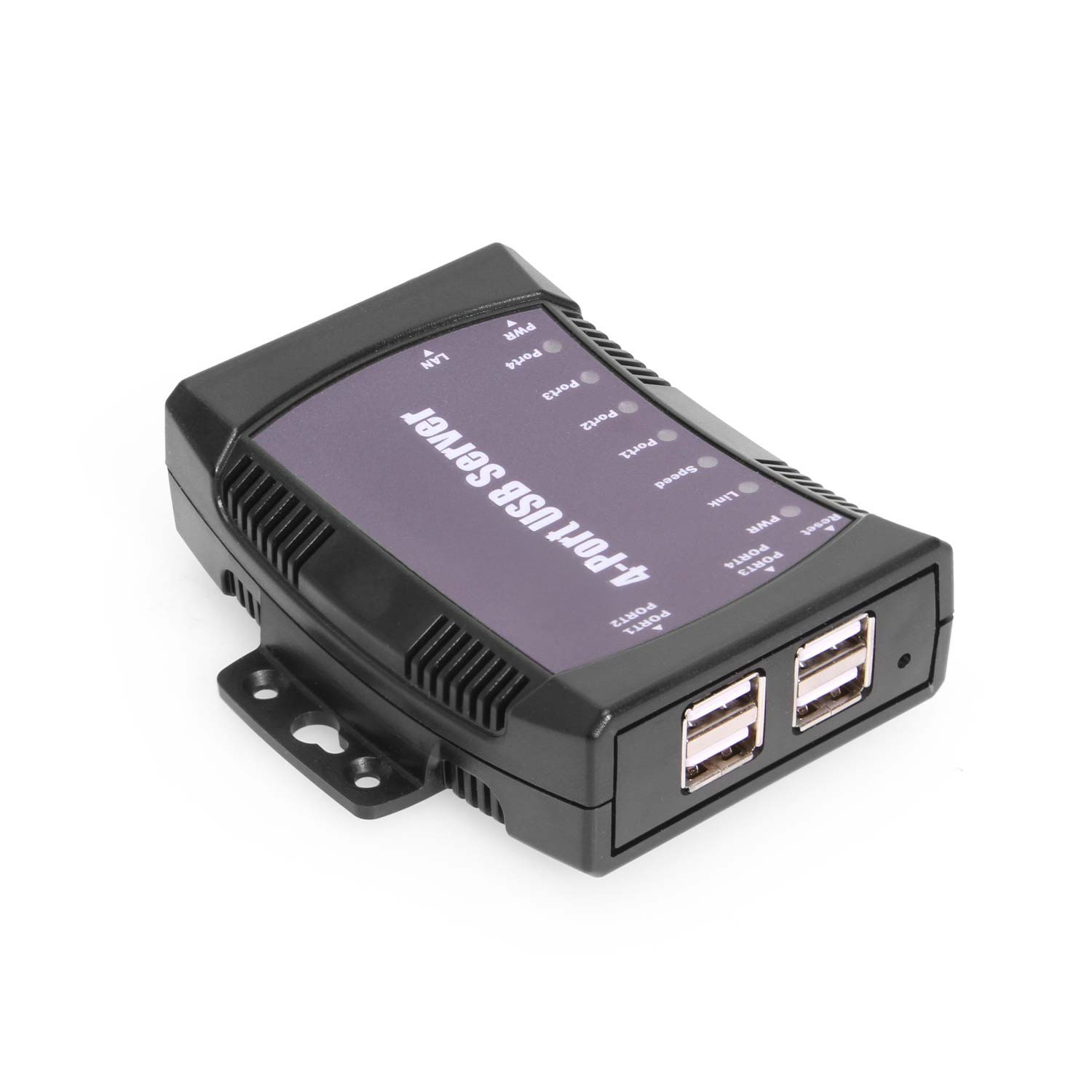
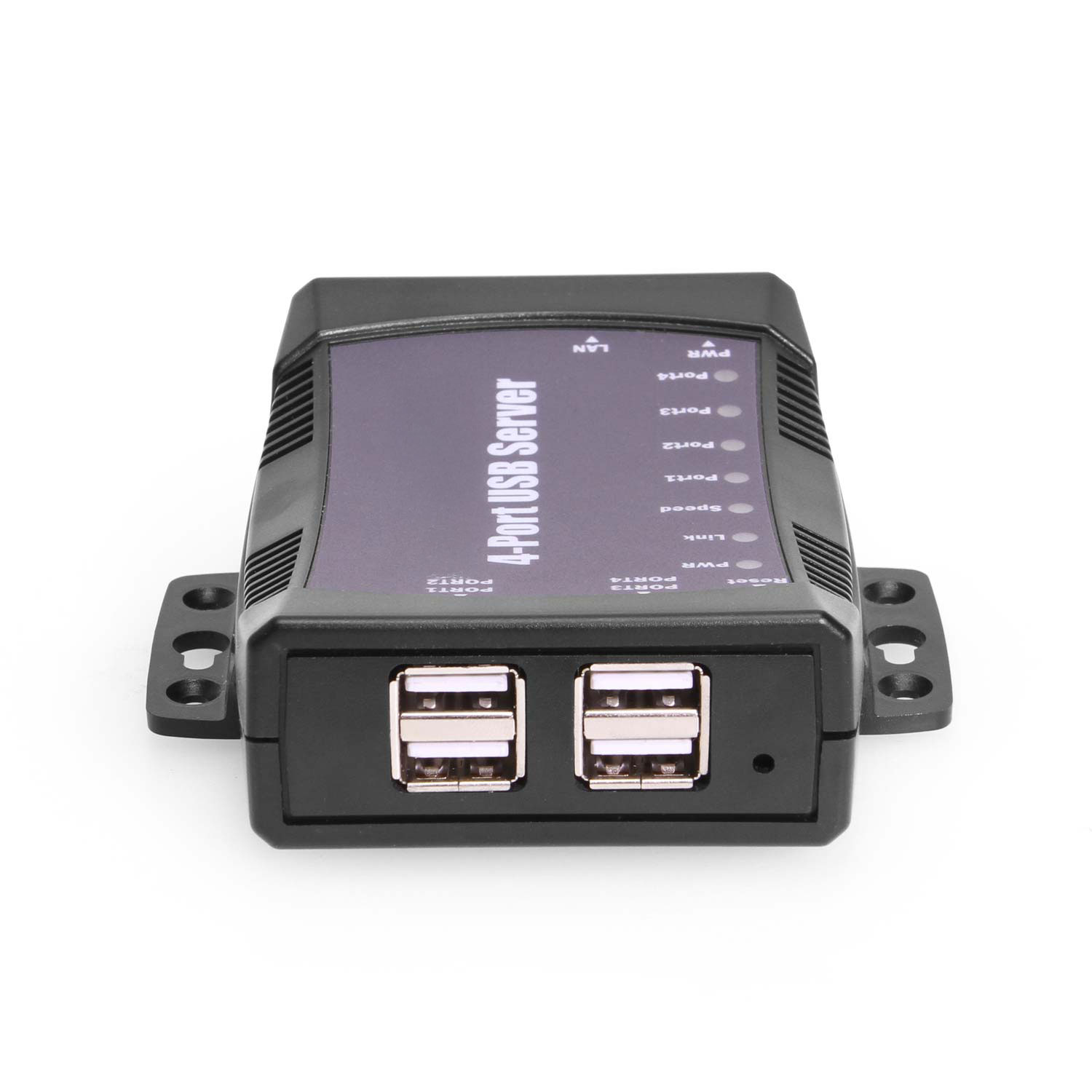
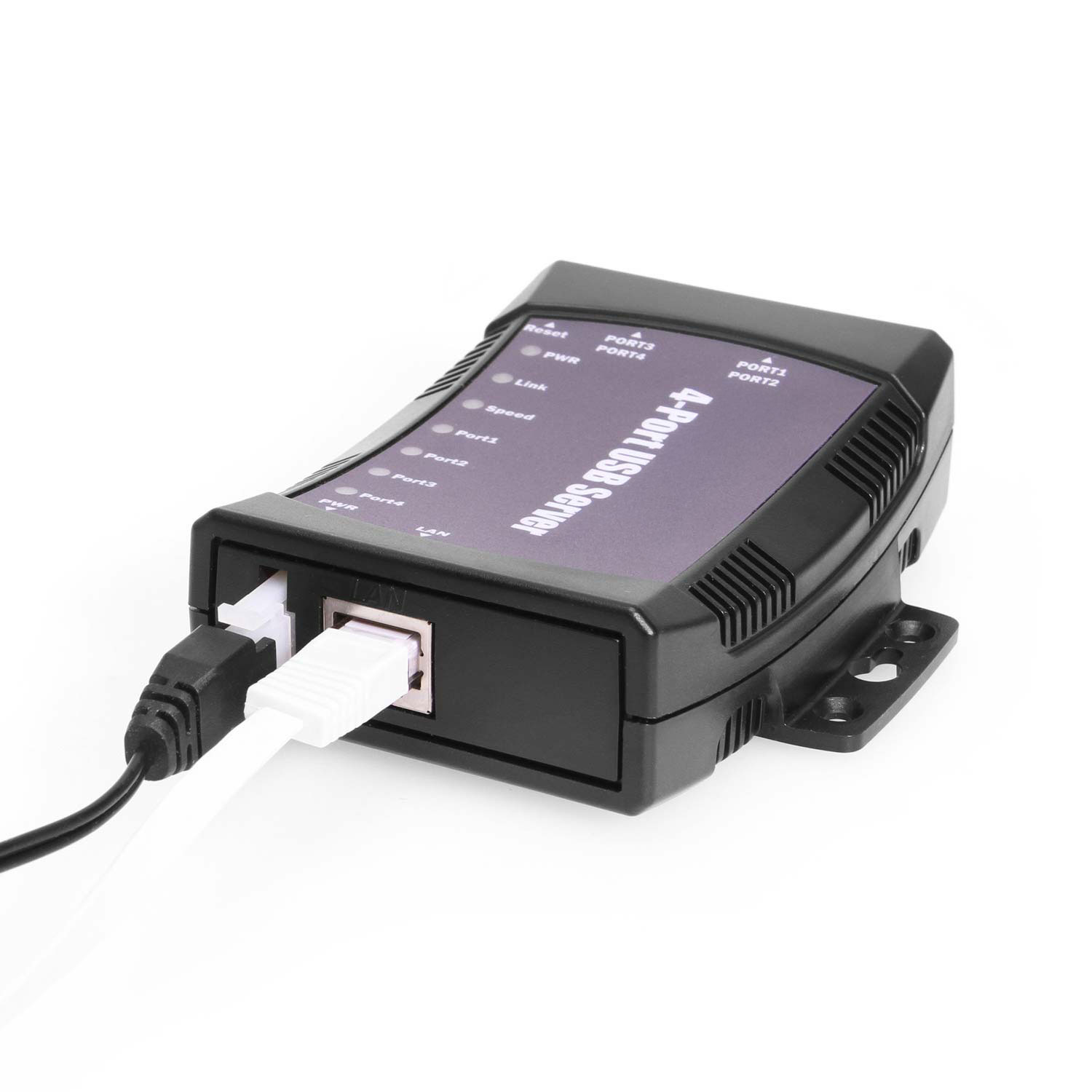
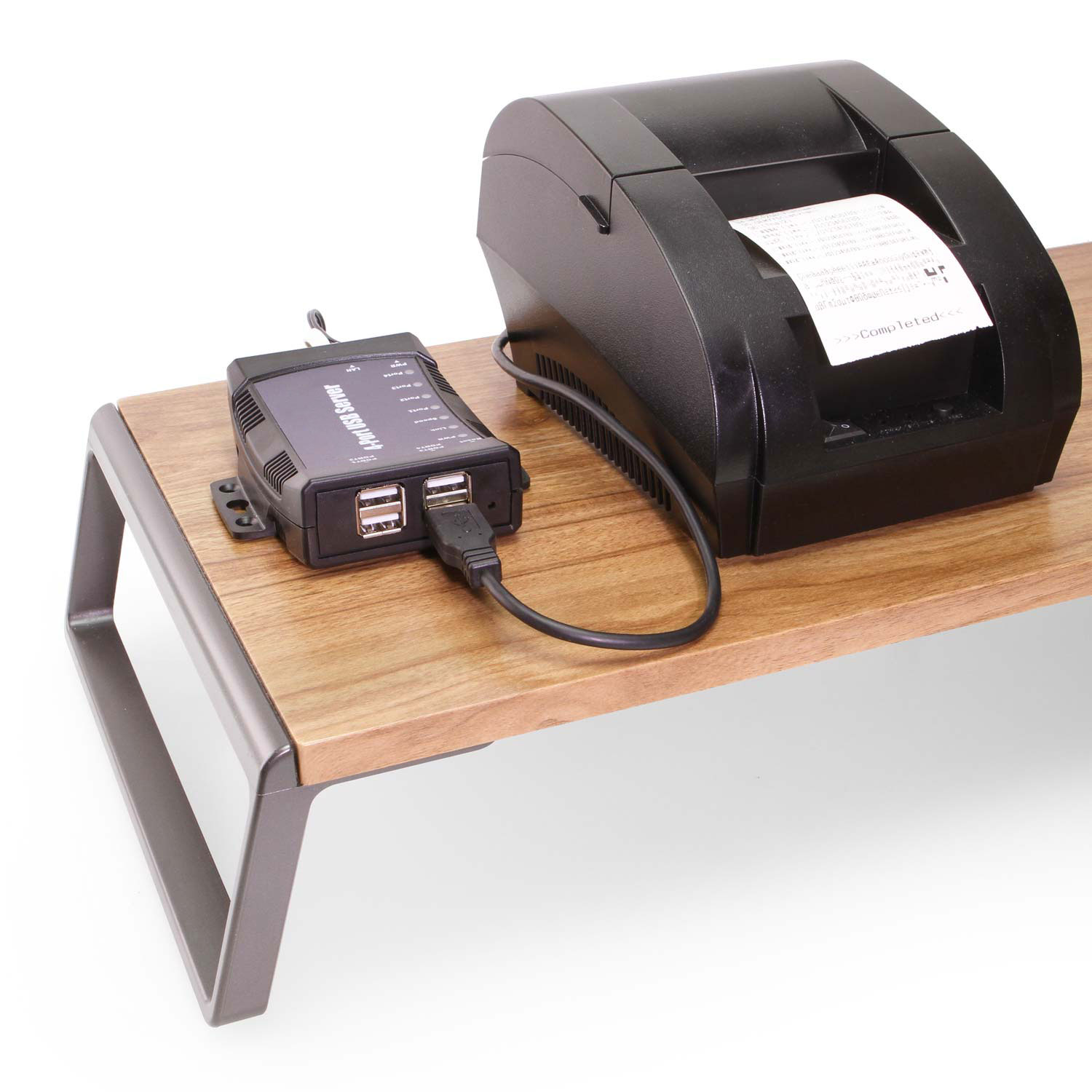
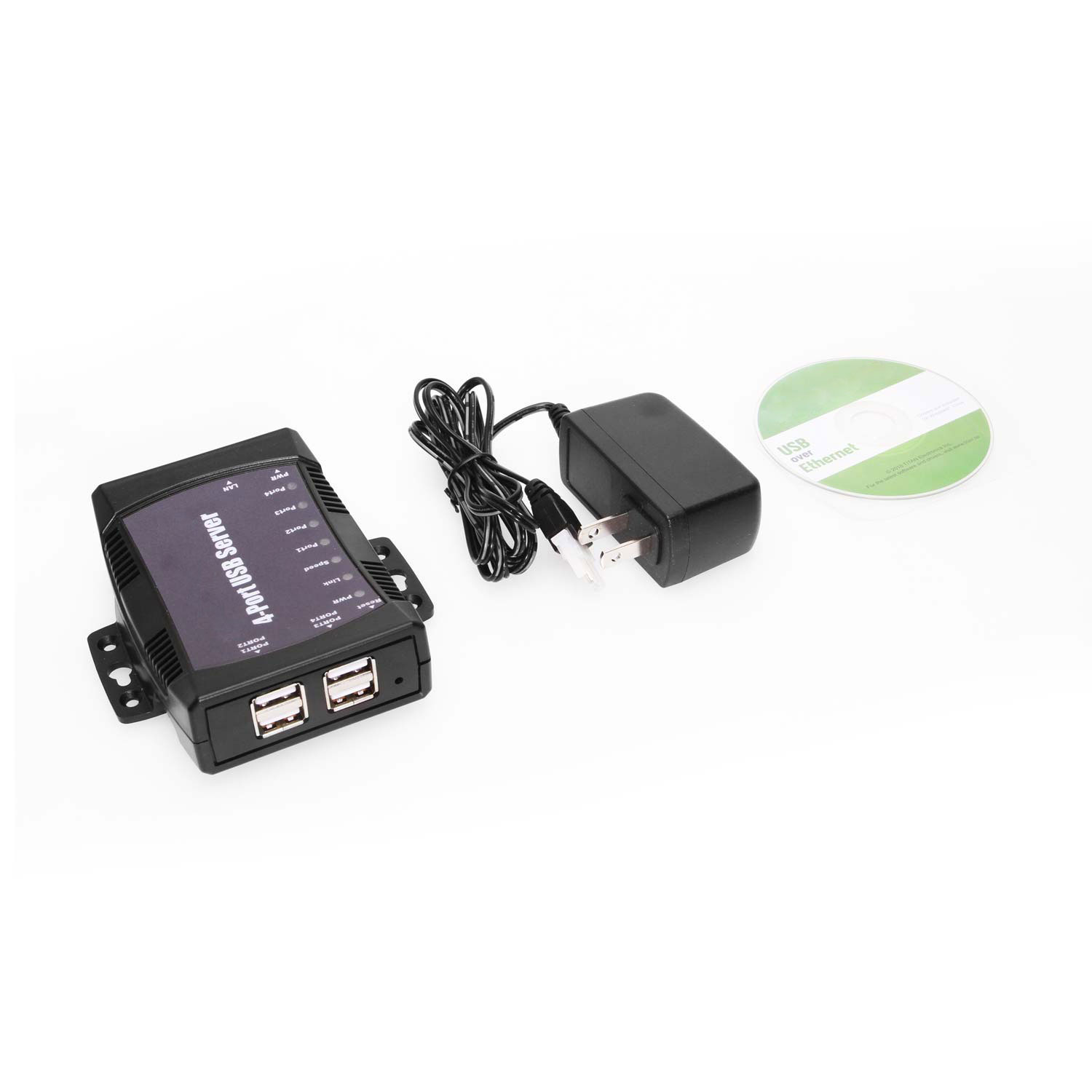
US-S4 USB over IP server supports four USB 2.0 ports.The server supports USB over network sharing functionality. Connect your USB device to the USB over IP server and it can be shared and accessed by any computer over wired or wireless network from anywhere in the world. The USB over IP server, when used in conjunction with the USB Device Server software, enables USB remote connection. The app makes the USB port available to be accessed, shared and used over IP, LAN, WAN, VLAN, VPN and the Internet from any remote locations.
*Surface Mounting screws not included.
| Power | Input Voltage Range: 12V DC Power Source: AC Adapter Included Adapter Input Current: 0.4A Adapter Input Voltage: 110~240V AC Adapter Output Current: 1A Adapter Output Voltage: 12V DC |
|---|---|
| Compliance | Country of Origin: Taiwan Certifications: TAA, CE, FCC, REACH, RoHS |
| Physical Characteristics | Color: Gray Item Dimensions (L × W × H): 4 × 3.79 × 1.18 in. Item Weight (Oz.): 3.3 Mounting Style: Surface / Wall Mount, Surface Mount, Wall Mount Material of Construction: Plastic Screw Lock Compatible: No |
| What's in the Box | Package Contents: Adapter, Driver/Software Disk, Power Supply, User Manual |
| Software | OS Support / Compatibility: Windows 11, Windows 10, Windows 8, Windows 7, Mac OS, Linux Managing Software Utilities?: N/A |
| Environmental | Operating Temperature Range: 0C ~ 55C Storage Temperature: -20C ~ 75C Humidity: 5% to 95% RH |
| Product Information | Warranty: One Year |
| Hardware | LED Indicators: Network, Port Status, Power, System Status Downstream USB Ports: Type-A |
| Performance & Safety | Max Data Transfer Rate: 480Mbps Over Current Protection: Yes |
| Additional Details | UPC: 045079165007 USB Specification: USB 2.0 (480Mbps) Series: NWS-UH (Networking Series Hubs) Weight: 0.843 lbs Dimensions: 11.12 × 5.78 × 2.43 in |
View frequently asked product questions below. Still need help? Reach out!
In some cases, yes. USB peripherals that only require low power (i.e. keyboards & mice) can be used without a power adapter. Power in this case is drawn from the host’s USB port.
When high-power USB peripherals are used, a power supply for the USB hub may be required. In other cases, the USB peripheral may require their own power adapters, in this case, a power supply for the hub may not be required. Without ample power though, the USB hub or connected peripherals may not operate correctly. It is recommended to use an included power supply when possible.
To prevent this, follow the steps below (depending on your operating system).
Windows 10 / 8
Note: You may need to disconnect and re-connect your USB device after applying these settings.
Windows 7 / Vista
Note: You may need to disconnect and re-connect your USB device after applying these settings.
Windows XP
Note: You may need to disconnect and re-connect your USB device after applying these settings.
Moving on to troubleshooting the hub itself. Attach a USB peripheral. The USB hub itself will not appear in hardware listings on your host’s system. USB devices connected however, will appear when connected. If the connected device is still not being found, try:
USB hubs do not require drivers or software.
Troubleshooting the desired USB peripheral may be in order. If the peripheral is still not being recognized, attempt:
External power is supplied by connecting to the terminal block located on the hub. For when an external power adapter is required check out the Accessories & Replacement Parts section on this product page. To view all of our hub accessories and power supplies, visit the category here.
To determine the power requirements, the equation to use is P = 5 * I * N, where:
P is the power wattage.
5 is the USB port voltage.
I is the current of the USB port in Amps (USB 2.0 is 0.5A, USB 3.0 is 0.9A.
N is the number of USB ports.
As an example using the equation, a 4 port hub would reflect a minimum wattage of 18 watts.
Knowing the minimum requirement, a proper power adapter can be chosen. In this case the voltage of a power supply should be within 7 to 24 or 7 to 40 Volts DC, depending on the specifications of the USB hub. Also, the power supply must convert AC to DC (no AC output).
Power supplies often come with a voltage (V) rating and an amperage (A) rating. To determine the current in amps, use I = P / V, where the following is true:
I is the current of the power supply.
P is the calculated power of the hub.
V is the chosen voltage of the power supply
Continuing the example, the 4 port hub requires 18 W and the power supply you choose is 12V, the current of the power supply would be I = 18/12, I = 1.5A.
Our full collection of power adapters can be found here.

Model# US-H3
$104.99Not in stock - Backorder allowed

Model# CG-UC4PGNET
$149.99In stock

Model# US-S4PLUS
$213.99Not in stock - Backorder allowed

Model# US-S2
$104.99In stock

Model# US-H9
$206.49In stock
Need help with a Coolgear product you’ve purchased? Get product support from our on-site engineers.
Contact our sales team for assistance before you buy a Coolgear product.
































Amazon Customer (verified owner) –
Good but could be better?
Straight up review. First this device works great and I plan on buying another one unless I find a different device that meets the two drawbacks I have with it. I have been a network engineer and technician for 45 years, I know IP protocol and Router config. I have multiple PC’s running at any given time that need to access the drives I have attached to this. Problem is with the software – the first PC to connect to this device is the one that gets to access the drives. Until that one logs off or shuts down the others need to wait (I want a device that multiple PC’s can attach to at the same time). The second issue I have is I want to be able to access this device and the drives attached while traveling. The manufacture says it is possible with proper opening up router ports and gateway, yet no matter what I have tried I cannot get it to work. Obviously they did not provide me any samples or guidelines when they responded to my email – but they did respond and very quickly I might add, so I guess that is a plus. I guess the other drawback is I wish it was capable of a 1k network connection it’s top speed is 100mb.
So ultimately it is a great device (especially for the price) if you have one or more PCs that you want to share 4 USB drives with and don’t care that you cannot do that at the same time.
J. Estal –
It works. Software could be better.
I got it to work, but had download the correct manual, and then to figure out the software.Three days later, it was dead. So I’m returning for a replacement.
Andrew blair –
I’ve used Belkin and other similar TCIP/USB hubs in past.. this one is by far better in terms of reliability and ease of use/installation.
although it is undocumented, You can have it launch and connect specific devices on Windows startup. (just put the executable in startup folder)