


Features:
USB Type-C PD Chargers
USB Type-A Chargers
Multi-Port USB Chargers
Integration-Ready Charging PCBAs

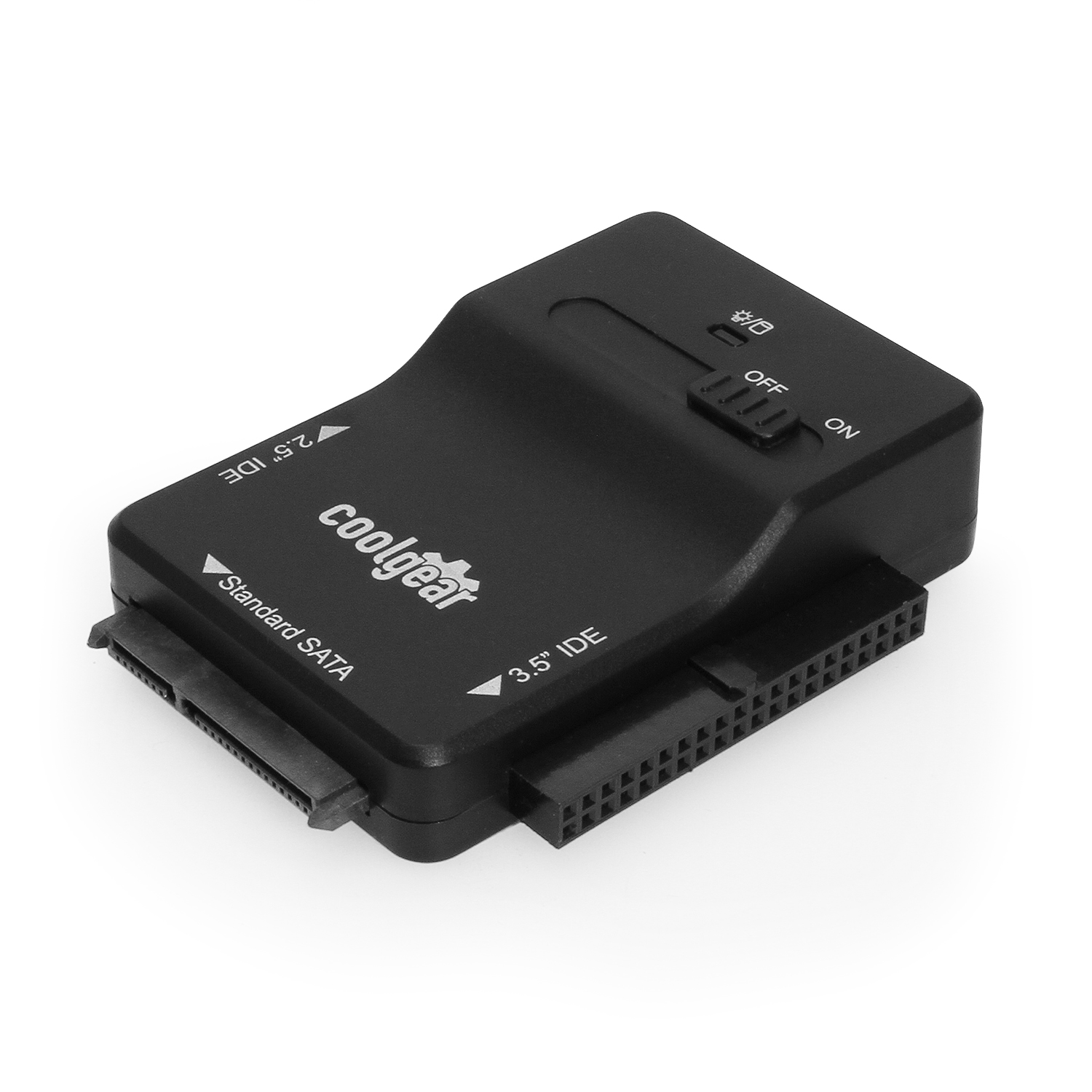
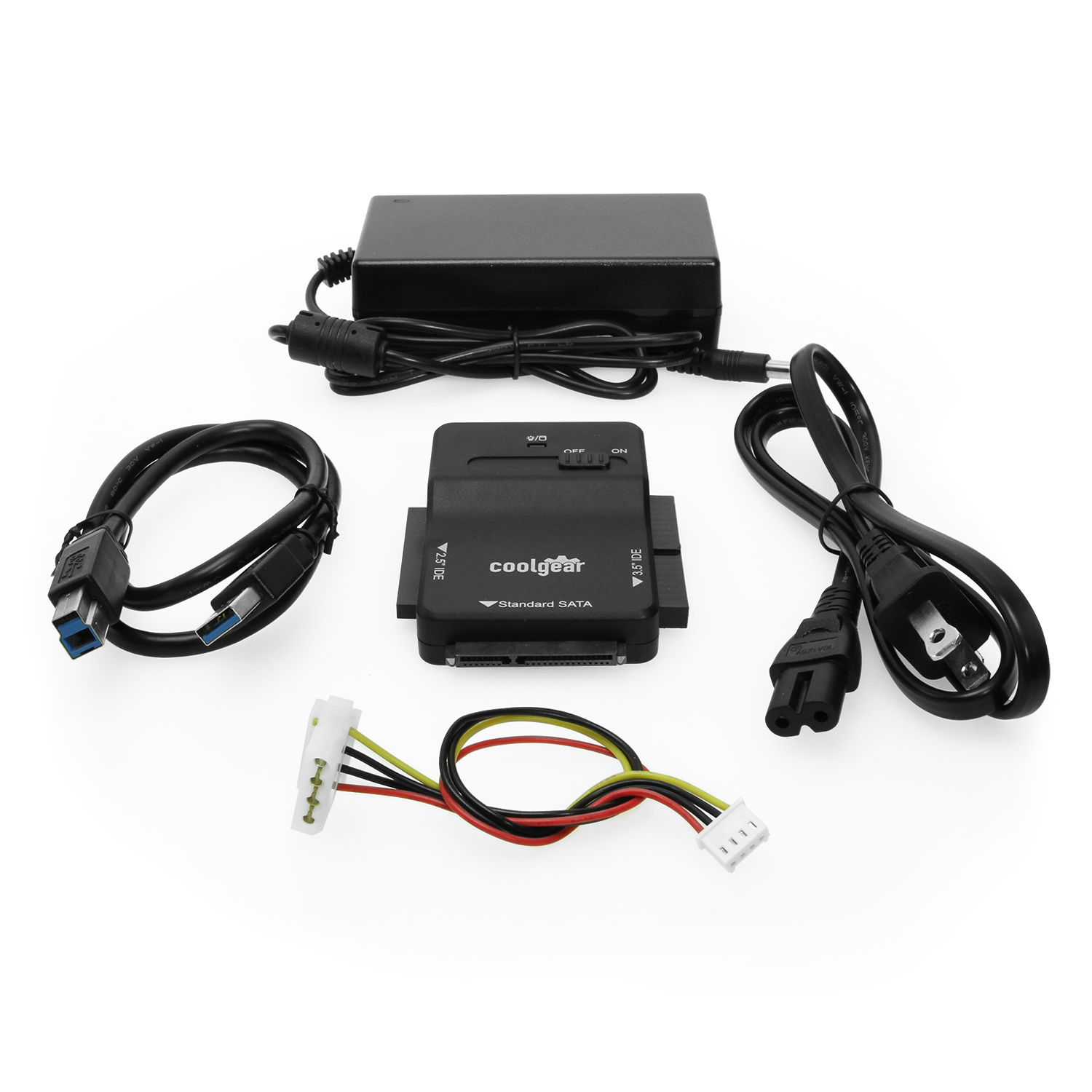
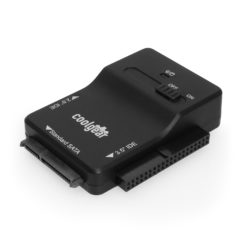
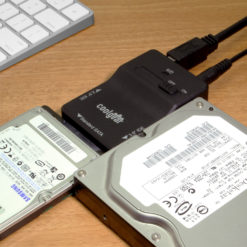
The SS-128ASD USB 3.0 to SATA adapter features a new ultra fast chip and a UL and FCC approved HIGH-Output Power Adapter. This adapter gives you the ability to convert 2.5″/3.5″ Serial ATA HDD Serial ATA Devices into a USB 3.0 interface Fully backward Compatible with USB 2.0.
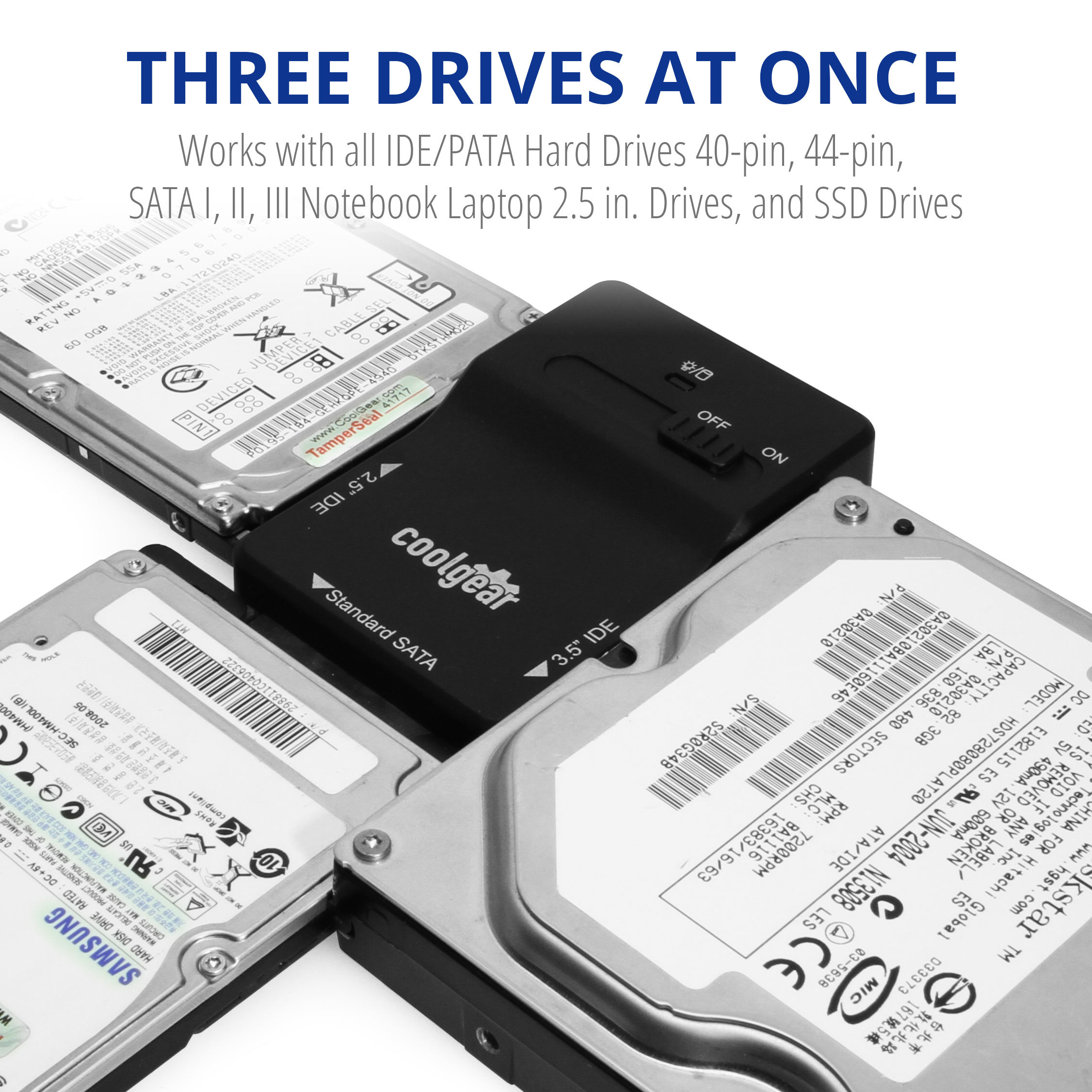
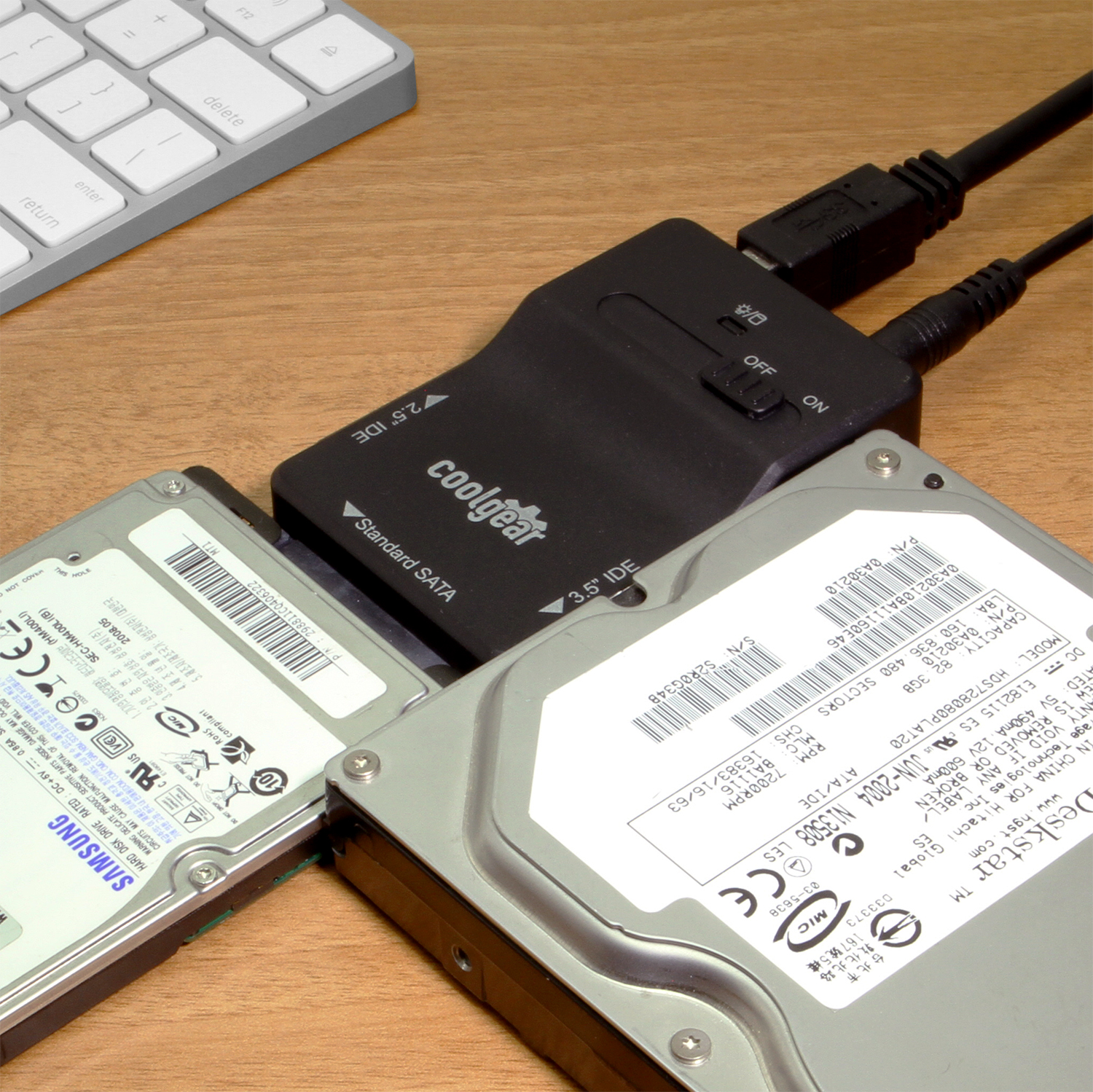
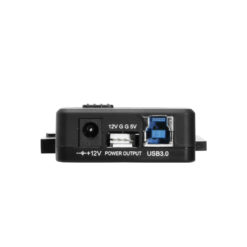
The SS-128ASD USB 3.0 to SATA or PATA adapter features a new ultra fast chip (JMS551 and JMD330 IDE and SATA to USB chips.) and a UL and FCC approved HIGH-Output Power Adapter. This USB 3.0 to SATA adapter allows you to convert 2.5″/3.5″ Serial ATA, HDD, and other Serial ATA Devices into USB 3.0 interface Fully backward Compatible with USB 2.0. The maximum transfer speed that it will reach is 5Gbps.
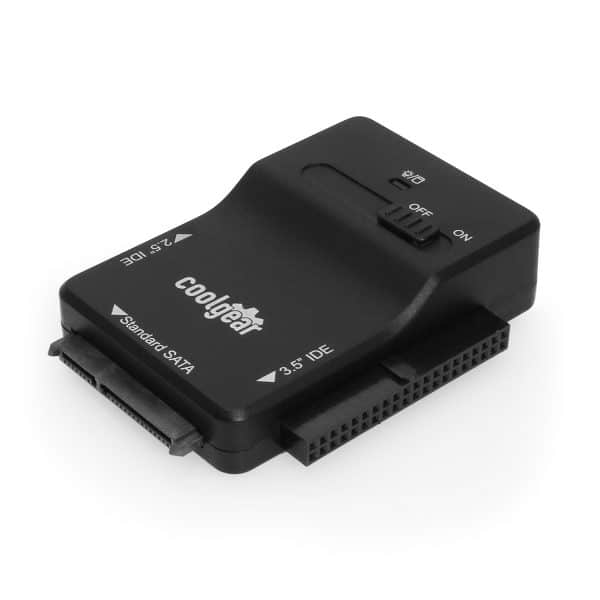
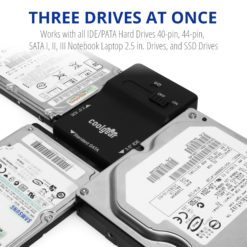
The SS-128ASD USB 3.0 to SATA or PATA adapter supports the following hard drive types:
Additional Features:
OS Support:
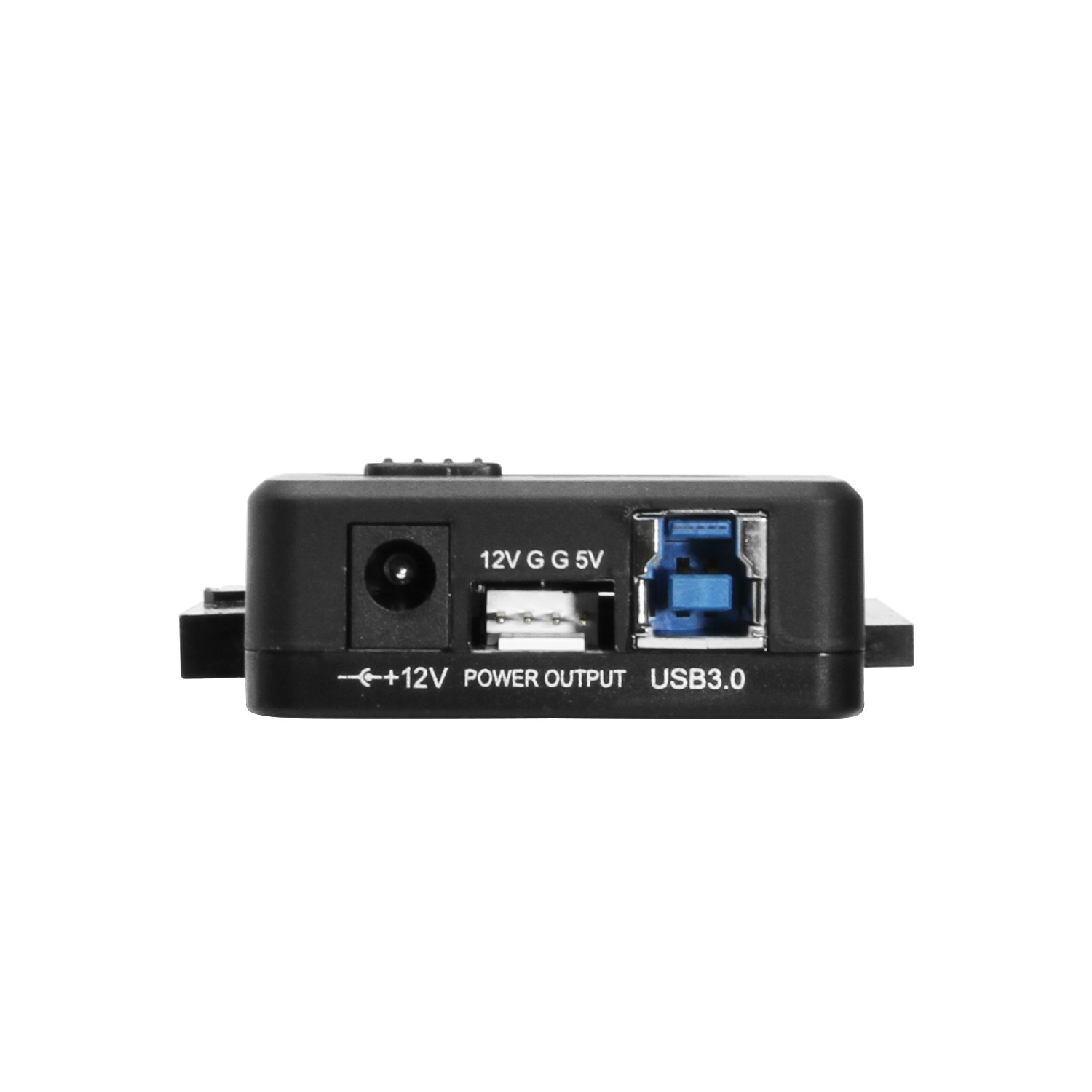
| Power | Input Voltage Range: 5 ~ 12V DC |
|---|---|
| Compliance | Country of Origin: China |
| Physical Characteristics | Color: Black Mounting Style: N/A Material of Construction: Plastic Screw Lock Compatible: No |
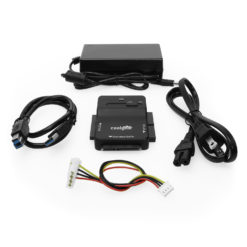
| What's in the Box | Package Contents: Adapter, Power Cable, Power Supply, USB Cable |
| Software | OS Support / Compatibility: Windows 11, Windows 10, Windows 8, Windows 7, Mac OS, OS independent – No software or drivers required, Linux Managing Software Utilities?: N/A |
| Product Information | Warranty: One Year |
| Hardware | Downstream USB Ports: IDE 40-pin Connector |
| Performance & Safety | Max Data Transfer Rate: 5Gbps |
| Additional Details | UPC: 729440691387 USB Specification: USB 3.2 Gen 1 (5Gbps) Warranty: 1 year from date of purchase Weight: 1.2000 lbs Dimensions: 7.2500 × 5.2500 × 2.5000 in |

Model# SS-124ASD
$45.49In stock

Model# CTS-IDE
$27.99In stock
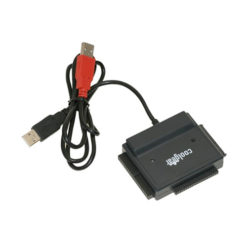
Model# USBG-123ASD
$57.99In stock

Model# SS-125SSD
$45.99In stock

Model# 44P-SATA
$38.99In stock

Model# SW-SATA2X4
$120.99In stock
Need help with a Coolgear product you’ve purchased? Get product support from our on-site engineers.
Contact our sales team for assistance before you buy a Coolgear product.



























FAHAD NAJI ALHOULI –
Cool gear
Good Quality and Prices
Susan Phillips –
Easy and quick.
Once I plugged it in with my laptop hard drive, it immediately began transferring all my files into my desk top. Worked very well and was so easy.
Doug Jorissen –
Very easy to use.
Very easy to use and works on both SATA and PATA hard drives. Highly recommend. Good price.
MasterS –
Works great with every drive I tried, even some from the 1990’s.
Ok as far as i used this it worked perfectly and accessed some very old drives, now here is the tricky part that many don’t know.To get some of these old drives to work you need to set them them to different settings with jumpers, most the time cable select works, sometimes master works and i found one that had to be set as slave.So my point is you can probably get any drive to work that will plug into this it just has to be set right on the jumper.Note: that you will only encounter these problems if you are trying to access old drives.First try it fresh out of the computer then if it doesn’t work unplug and try a different jumper setting on the drive.
sjprg –
connector very easily falls out of drive