


Features:
USB Type-C PD Chargers
USB Type-A Chargers
Multi-Port USB Chargers
Integration-Ready Charging PCBAs

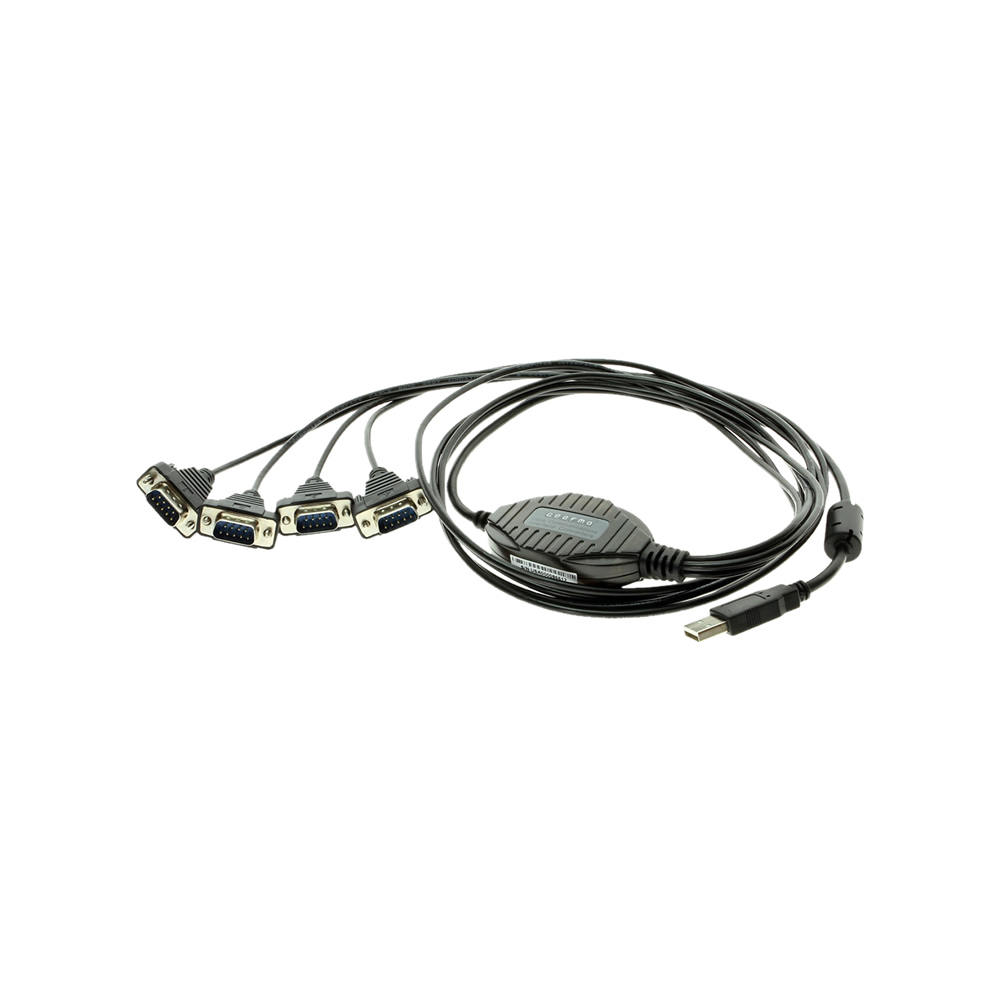
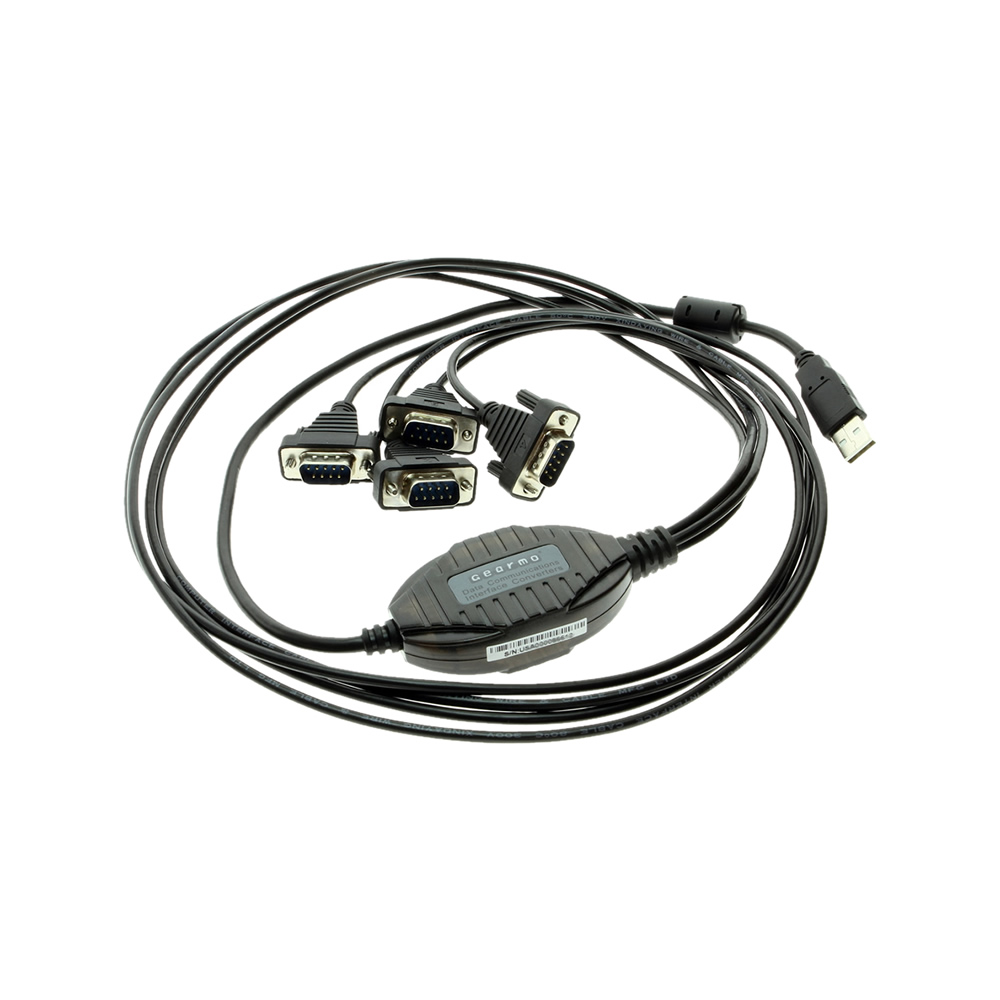
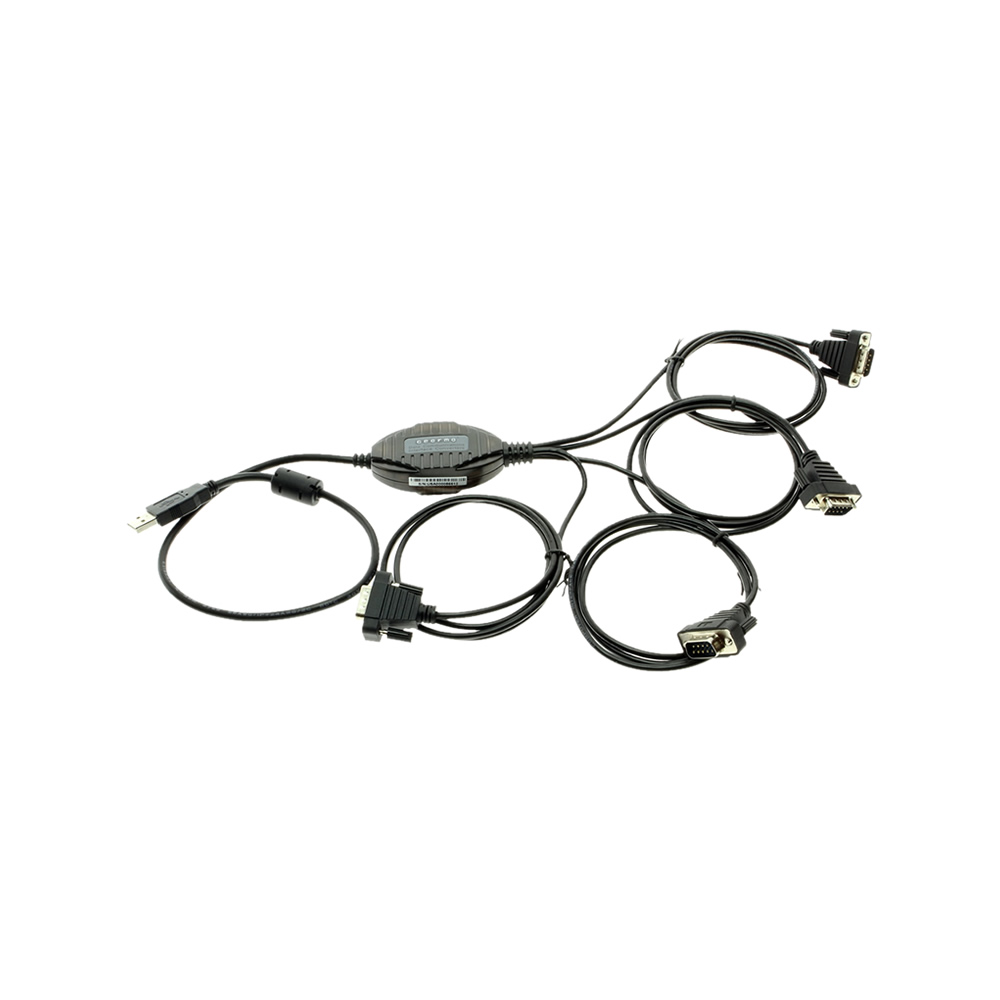
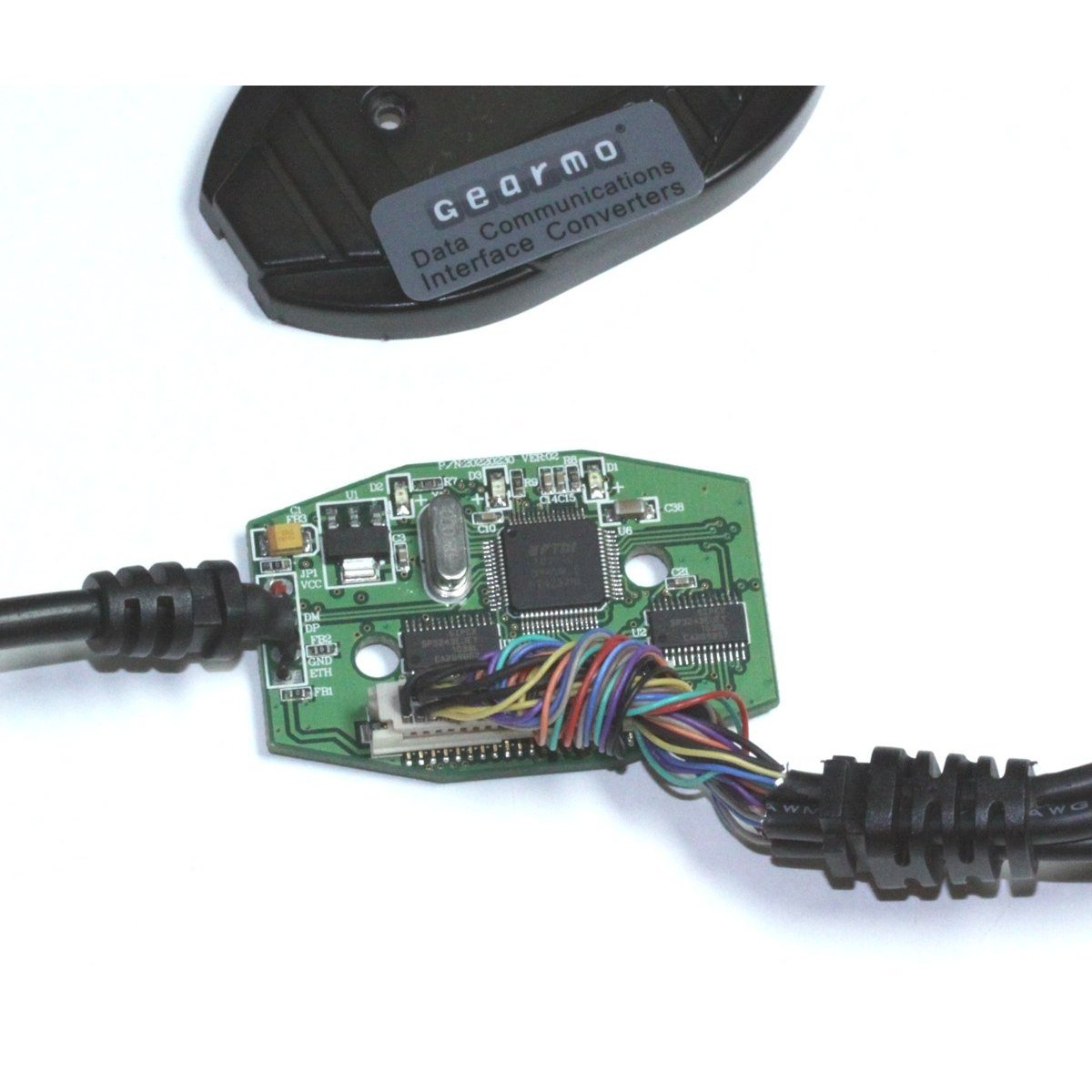
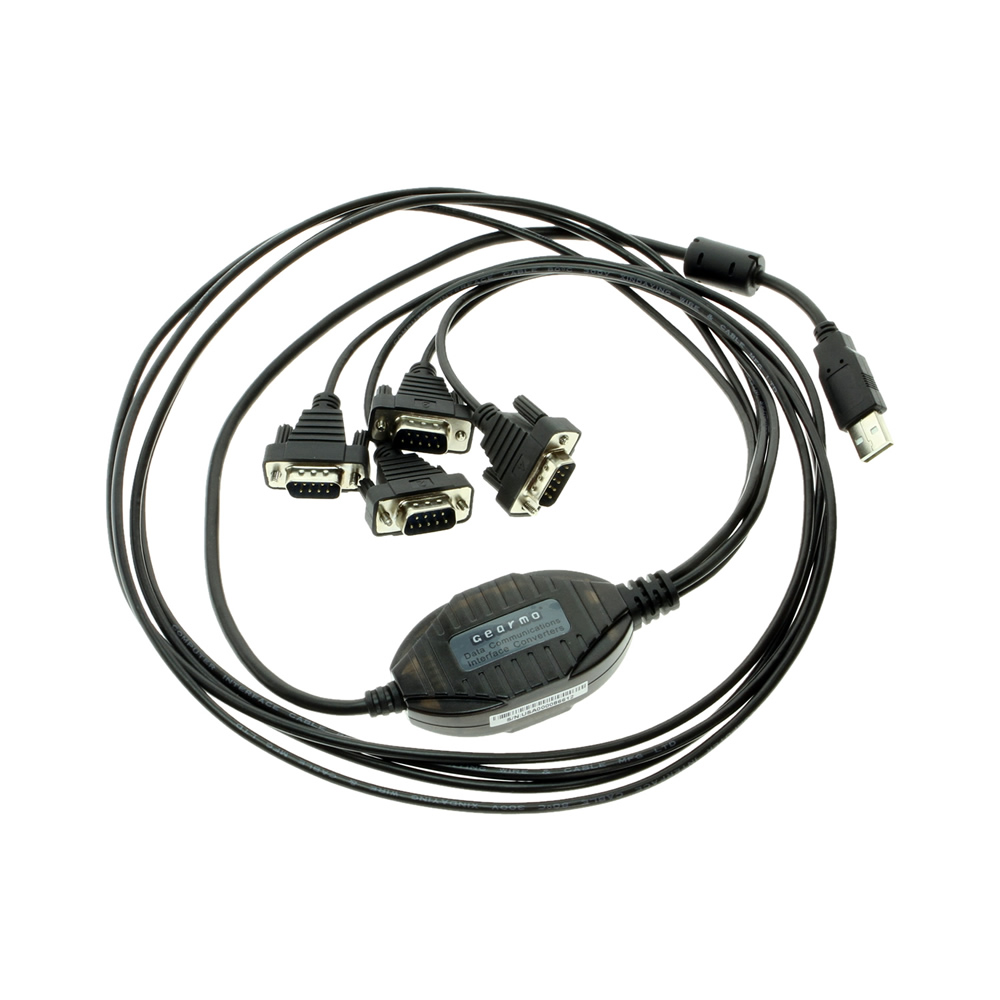
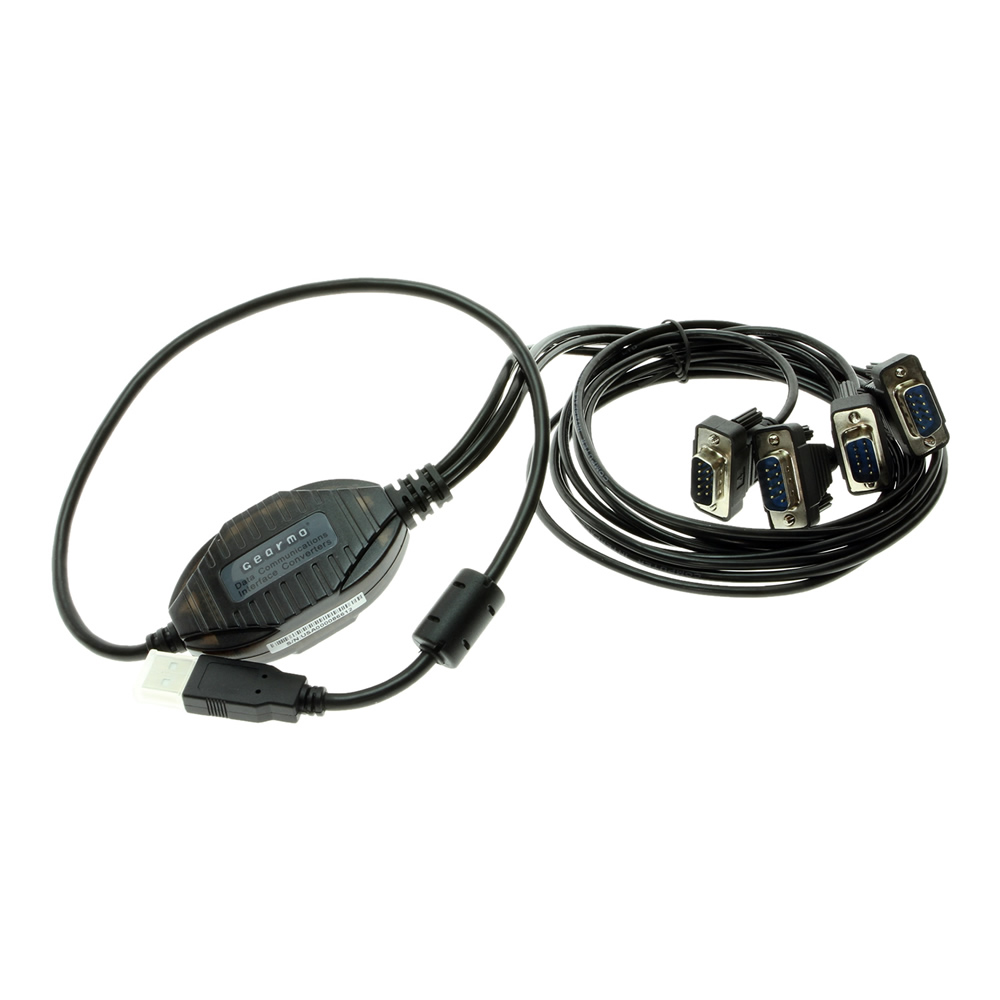
The USBG-4X2FTDI 4-Port USB DB-9 Serial Adapter is a rugged plastic USB to Serial adapter that allows you to add 4 RS-232 serial ports to your computer by connecting to a single available USB port. There are no IRQ & COM port conflicts during install.
The USBG-4X2FTDI 4-Port USB DB-9 Serial Adapter is designed to make serial port expansion as easy as possible with its Windows 11 support. Connecting to a USB port on your computer or USB hub, the USB Quad Serial Adapter instantly adds four RS-232 serial communication ports to your system. By taking advantage of the USB Bus, the 4-Port USB DB-9 Serial Adapter installation of serial ports and devices to your system painless with both Plug-and-Play and hot plug features.

Plugging the USB Quad Serial Adapter to the USB port, the adapter is automatically detected and installed. There are no IRQ & COM port conflicts, since the ports do not require any additional IRQ, DMA, memory as resources on the system. The USB Quad Serial Adapter is self-powered and does not require any external power adapters.

The 4-Port USB DB-9 Serial Adapter provides instant connectivity with modems, ISDN TAs, PDAs, handheld & pocket PCs, digital cameras, POS, serial printers. It is suitable for remote access, retail and industrial applications, data collection and other applications requiring high speed RS-232 serial communication ports.
Additional Features:
OS Support:
| Compliance |
| ||||||||||||||||||
|---|---|---|---|---|---|---|---|---|---|---|---|---|---|---|---|---|---|---|---|
| Physical Characteristics |
| ||||||||||||||||||
| Serial Attributes |
| ||||||||||||||||||
| Software |
| ||||||||||||||||||
| Environmental |
| ||||||||||||||||||
| Product Information |
| ||||||||||||||||||
| Hardware |
| ||||||||||||||||||
| Other Data |
|


The 4-Port USB DB-9 Serial Adapter has certain accessories that work with it. These accessories are what you can order if needed.

Model# 9DBMF5FT
$2.99In stock
View frequently asked product questions below. For all serial troubleshooting, visit this page.
Still need help? Reach out!
Most of our single and dual-port models are USB bus-powered. High-density rackmount models (8-port+) feature integrated or external power supplies for maximum signal integrity.
Isolated adapters use optical barriers to physically separate the electrical signals. This protects your computer from 2,500V surges and ground loops common in factory environments.
Yes, all Coolgear Serial adapters use modern FTDI or Silabs chipsets with WHQL-certified drivers for full Windows 11, Mac, and Linux support.
COM Port Retention ensures that your assigned COM port number remains the same every time you plug in the adapter or reboot your PC. This prevents software communication errors and eliminates the need to manually reconfigure your application settings whenever hardware is moved.
Test your components by:
When testing cables:
When testing serial ports and devices:
Note: You are required to restart your computer after disabling the Driver Signature Enforcement. Save all open work on your computer.
Disable driver signature enforcement:
When your system restarts:
When your computer restarts, Driver Signature Enforcement will be disabled and you can install the drivers.

Model# USBG-BAY4
$147.49Out of stock

Model# USB-16COM-RM
$491.99In stock

Model# CM-41042
$287.29In stock
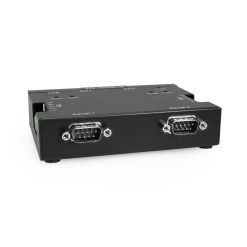
Model# USB-2COMi-M
$206.99In stock

Model# MSD-SRF2XM
$197.99In stock

Model# USB-16COMi-RM
$758.99Not in stock - Backorder allowed
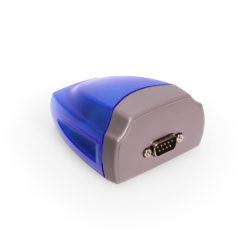
Model# USB-COMi
$91.29In stock

Model# USB2-8COM-M
$227.99In stock
Need help with a Coolgear product you’ve purchased? Get product support from our on-site engineers.
Contact our sales team for assistance before you buy a Coolgear product.




























Dennis –
This USB-to-Serial adapter is SO much better than the Prolific one I have for another device. The instructions are too brief for a non-computer person, but sufficient. I’ve been using it for a month now to connect a ham radio’s sound card and a TV tuner without a problem. Definitively recommended.
Charles –
One killer feature: in linux, the serial ports enumerate in order. No more guessing which of your serial devices is /dev/ttyUSB?!
GT Rider “AP” –
This cable is essential for Windows 8 users who need RS-232 serial ports for legacy hardware interfaces. In general, I have found this adapter to be a reliable addition to my Windows 8 system where I have multiple RS-232 serial devices that I use regularly.
Information for Amateur Radio Operators:
I use this cable to convert one USB 3.0 port on my late 2013 iMac (OS X 10.9.x Mavericks, Windows 8.1 Professional 64-bit) to 4 RS-232 serial ports to which I have connected my amateur radio transceivers, an auto tuner and a Kenwood TH-F6A programming cable. I used to have a USB to 4-port adapter made by another, well-known manufacturer that had the Prolific chipset, which is not compatible with Windows 8.
This is what I like about this adapter: It worked immediately in Mac OS X 10.9 and Windows 8.1 without needing to run any driver updates to configure the ports. Port conflicts are non-existent even when I have my SignaLink USB digital interface and MasterKeyer MK-1 in use. Where I used to have problems getting the correct rig information from a Yaesu FT-100D in my logging program, I no longer have that issue. I couldn’t have asked for an easier, pain-free setup experience.
Now for a nit to pick: I question the need for the dongle style adapter cable/serial ports. Since I use this in an amateur radio environment, shielding and reduction of RF overload is very important. This cable can be susceptible to RF interference that I suspect is caused by the long runs of cable with insufficient shielding between the USB port and serial port connectors. This is also the reason why I stopped short of giving this cable a 5 star rating. I will try the usual mitigation steps – install chokes, go over grounding system again – and see if that makes a difference. Otherwise, I may be limited to operation on all bands 20m and down if I want to use the rig control interface of my logging and contest software.
Bob –
In short, the GearMo 4-port serial adapter ROCKS!
I am a professional network engineer and often need to connect to serial console ports on routers, switches, firewalls and more. An RS232 serial connection is pretty much the industry standard for a local console connection to these devices. Since it’s common for me to be working on several devices at once — often trying to make coordinated changes on 2 or 4 devices that must be executed with relatively precise timing — this product seemed like a better option than moving my console cable back and forth between devices.
The 36″ cables are a bit bulky when coiled up but the spare length for connections is great when working in a data center rack. The FTDI chipset retains its COM port assignment on Windows after reboots and regardless of which USB port the adapter is connected to — an enormous improvement over the PL2303 chipset which always changes its COM port assignment. Each RS232 port is embossed with a number (1-4) that indicates which port it is. I mapped these to COM11-14 on my system so I could make an easy mental association with the COM port to the physical connector.
This item also works reliably in Mac and Linux OSes. I’ve been strongly considering building a battery-powered RaspberryPi terminal server with one or two of these to provide an easy-to-access WiFi-connected terminal server.
W4JLE –
I guess you get what you pay for, this was more than similar items found on auction sites cheaper. The big difference is this one works!. As a ham radio operator we have all lamented the loss of the once ubiquitous serial port. While there are a bunch of cheap Chinese cables they used cloned chips that may or may not work with drivers and software. I plugged this in, installed the drivers and it assigned 16, 17,18 and 19 as serial ports. I am running a Navigator interface that uses a number of ports below that. I could have reassigned any of them via the control panel but left them as is. I Have a serial to CT converter for my Icom on 16, a Harris modem on 17, a GPS disciplined Oscillator on 18 and a homebrew antenna patch panel on 19 and they all work with all my various software. HRD, MARS ALE, Comm terminal, 110A both hardware via the Harris and Software. ETC. I am no longer tearing my hair out every time a windows update reboots me! What a difference real FTDI chips and non Chinese bootleg drivers makes.- Fred W4JLE