


Features:
USB Type-C PD Chargers
USB Type-A Chargers
Multi-Port USB Chargers
Integration-Ready Charging PCBAs

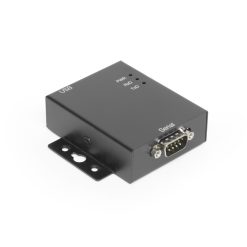
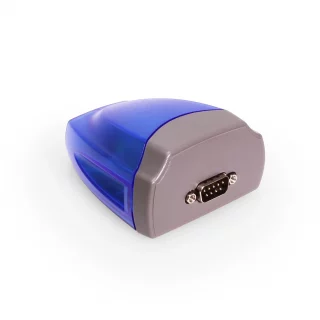
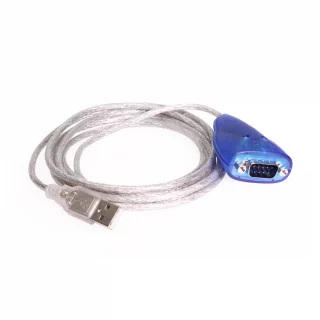
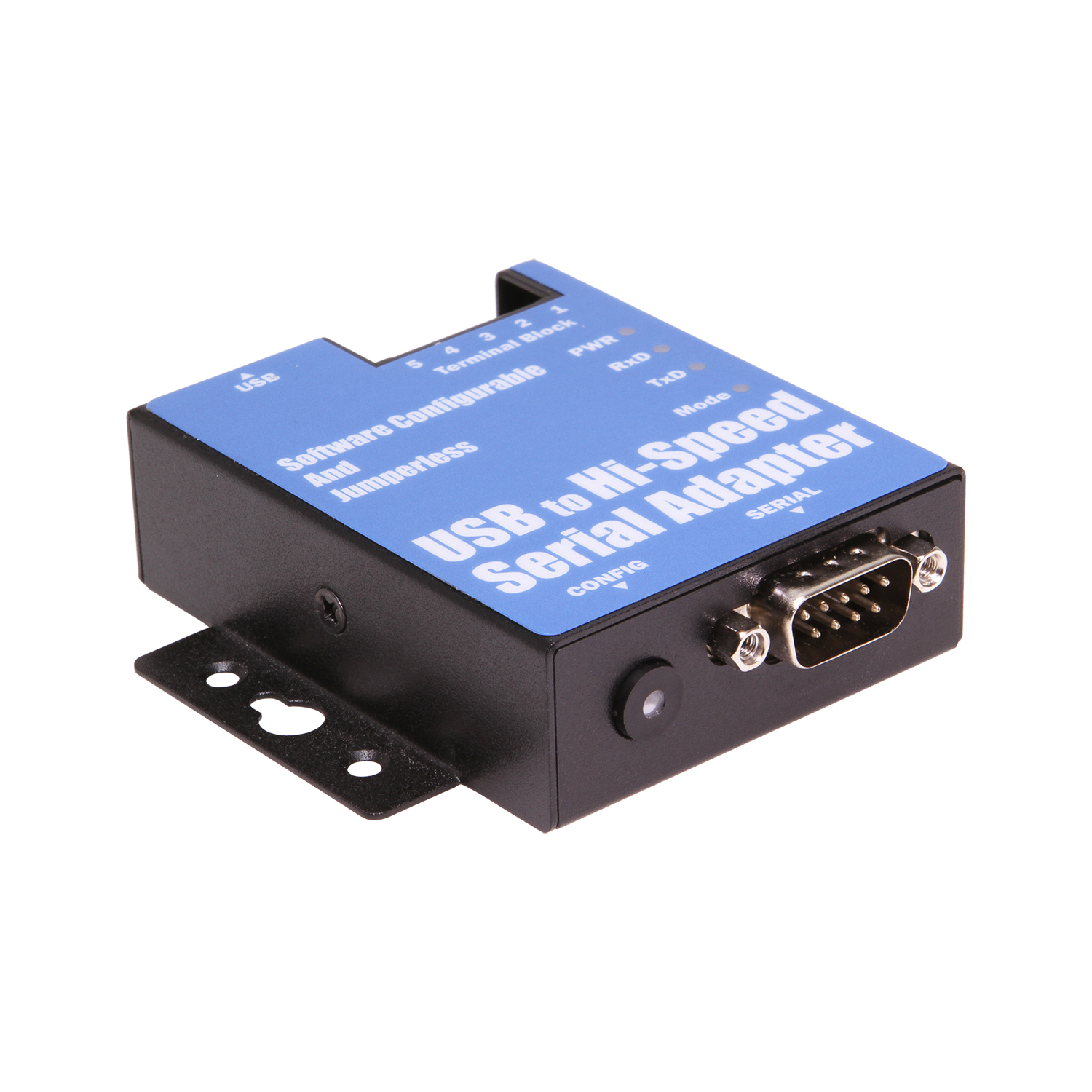
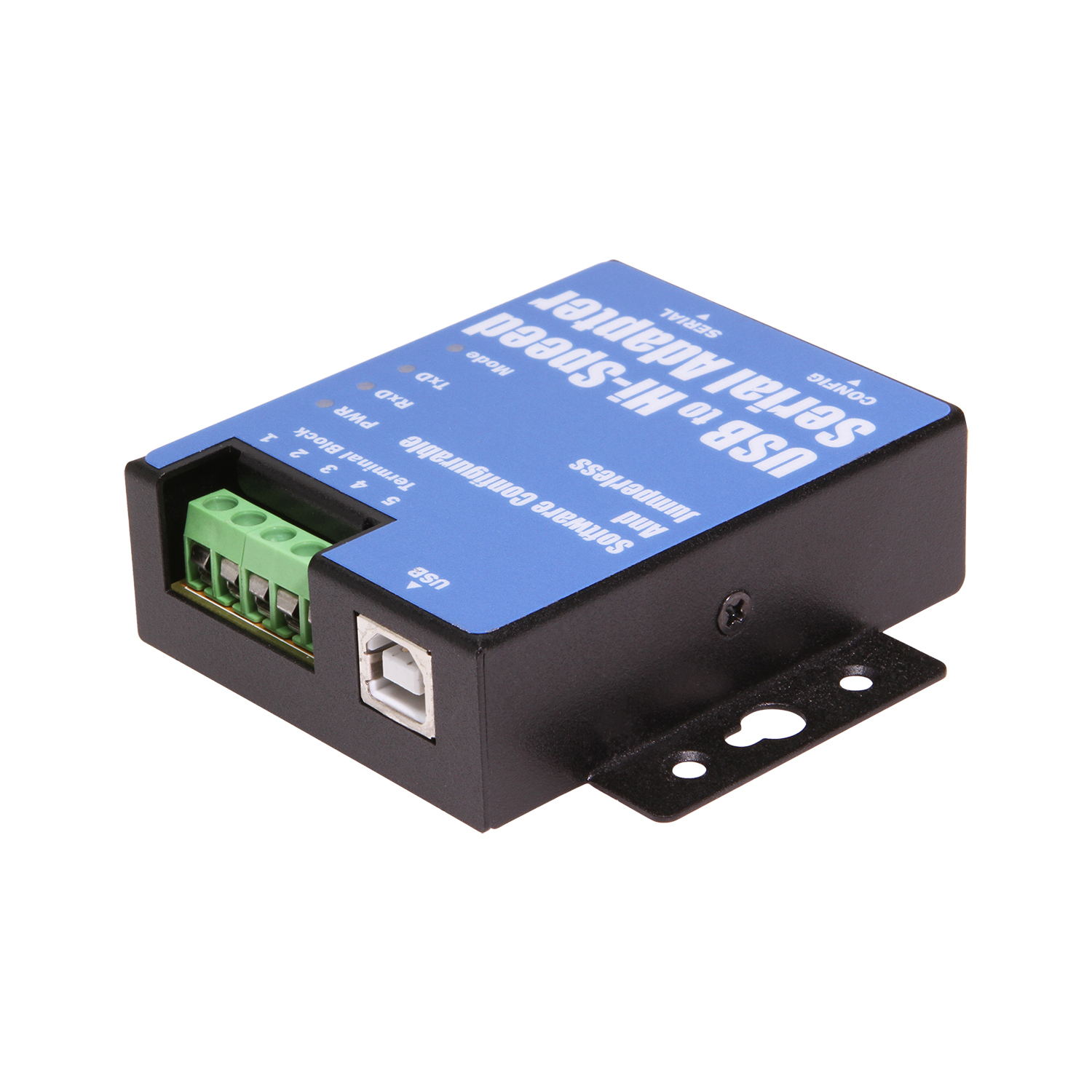
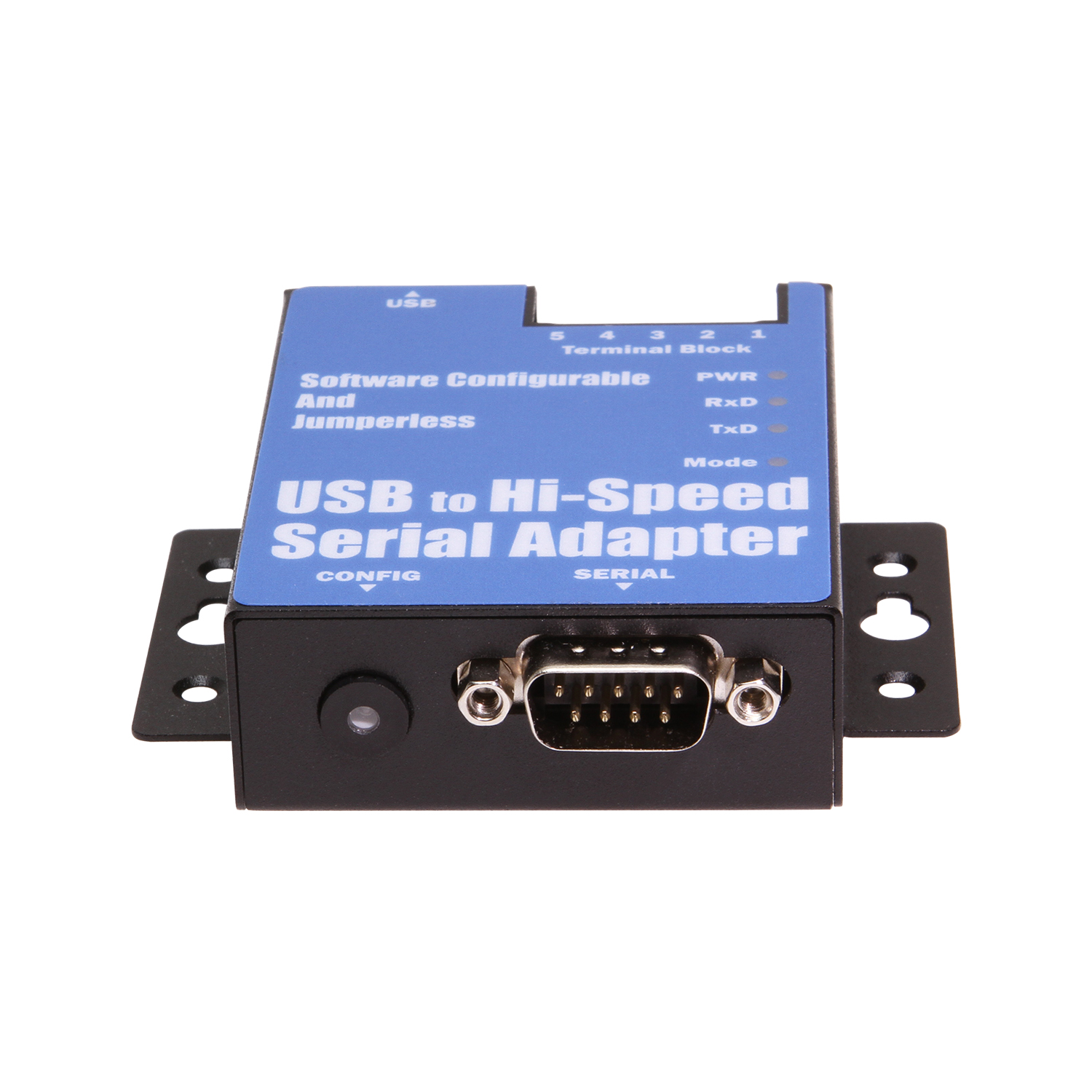
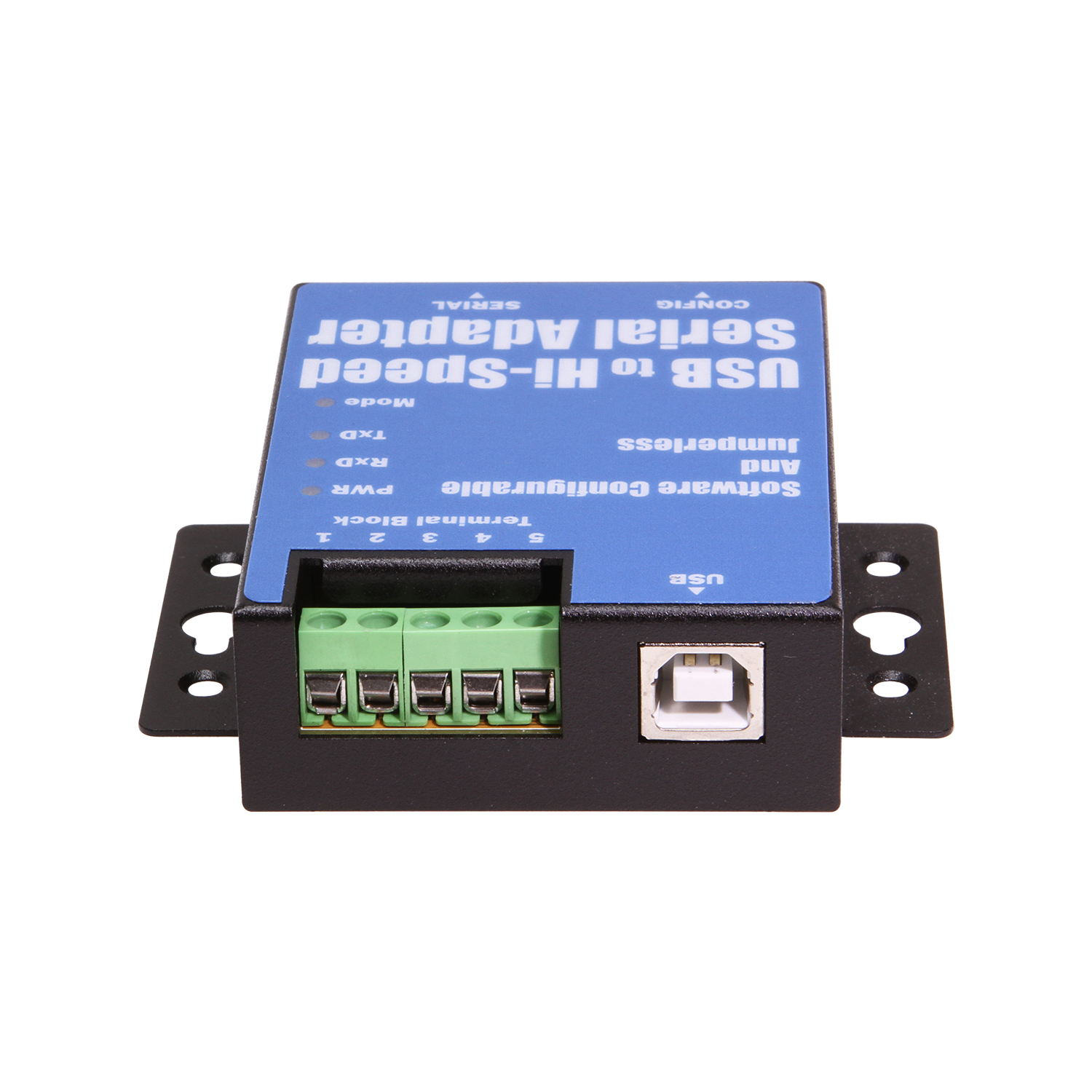
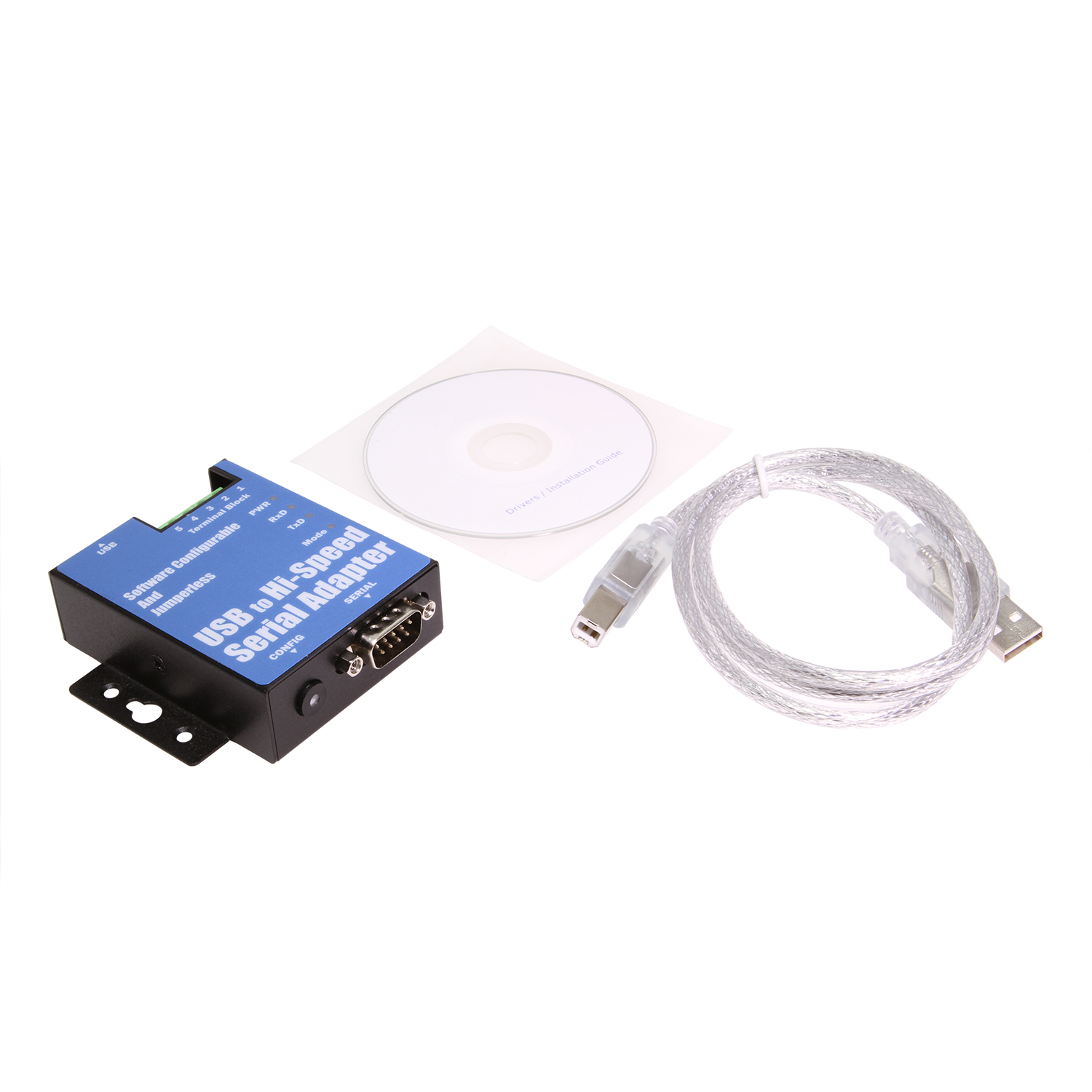
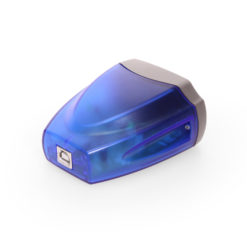
The USB-COMi PRO is an innovative Industrial USB to single port serial adapter designed completely jumperless and free of any DIP switch for easy configuration. A user-friendly configuration program of Windows and Linux is provided to allow users to select and set easily the COM port to any RS-232, RS-422 or RS-485 mode with various operation mode options. Just connecting your computer to the Internet, plugging the adapter to the USB port on the PC, then you let Windows install the driver automatically. You do not need to install the driver manually. There are no IRQ or COM port conflicts, since the serial port does not require any additional IRQ, DMA, memory as resources on the system.
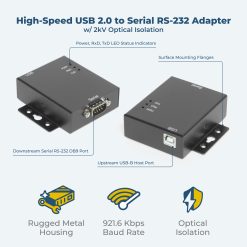
Pressing the button near the DE9 male connector to activate the configuration mode, users can set the port to RS-232, RS-422, or RS-485 from the graphic interface on the screen. Besides the classical RS-232 and RS-422 port, the adapter offers three variants of RS-485 modes for user’s selection to meet different application needs. Built-in termination and biasing option are available for data transmission lines. Free from opening the metal chassis, users can conveniently configure the operation mode of RS-232, RS-422 or RS-485 serial port, enable or disable Tx, Rx termination resistors and biasing resistors by the provided configuration utility.
USB-COMi PRO provides a unique feature of Remote Serial Port Sharing that allows to share the serial port and device to other users in the network. It breaks the distance limitation of traditional serial ports and USB. When the app is activated, you can network-enable the adapter and make the serial port available to other users in the network. You can share the serial port and the connected serial device to multiple client computers in the network. USB-COMi PRO adapter makes it easy to network- enable serial devices, and allows remote RS-232, or RS-422, or RS-485 serial devices to be shared, accessed, monitored and used over the network, as if the distant serial devices were locally and physically connected to the standard COM port on the host computer.
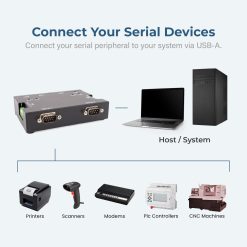
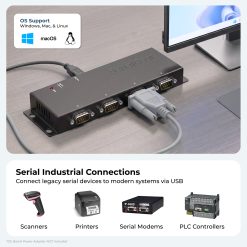
The USB-COMi PRO Industrial USB to RS-232/422/485 Adapter provides instant connectivity to RS-232, RS-422, RS-485 communication devices for POS, factory automation equipment, multi-drop data collection devices, bar code readers, time clocks, scales, data entry terminals, PC to PC long distance communications, ATMs and serial communication in harsh environments. The USB-COMi PRO Adapter provides industrial solution requiring single node or multi-drop communications over short and long distance in the network. Complete FTDI drivers support Windows 10, 8, 7, Vista 32-bit, Vista 64-bit, XP and Windows Servers 2016, 2012, 2008, 2003; Linux 3.2 and greater built-in driver support; Mac-OSX drivers available.
OS Support:
*Surface Mounting screws not included.
| Compliance |
| ||||||||||||||||
|---|---|---|---|---|---|---|---|---|---|---|---|---|---|---|---|---|---|
| Physical Characteristics |
| ||||||||||||||||
| Serial Attributes |
| ||||||||||||||||
| What's in the Box |
| ||||||||||||||||
| Software |
| ||||||||||||||||
| Environmental |
| ||||||||||||||||
| Product Information |
| ||||||||||||||||
| Hardware |
| ||||||||||||||||
| Performance & Safety |
| ||||||||||||||||
| Other Data |
|
View frequently asked product questions below. For all serial troubleshooting, visit this page.
Still need help? Reach out!
Most of our single and dual-port models are USB bus-powered. High-density rackmount models (8-port+) feature integrated or external power supplies for maximum signal integrity.
Isolated adapters use optical barriers to physically separate the electrical signals. This protects your computer from 2,500V surges and ground loops common in factory environments.
Yes, all Coolgear Serial adapters use modern FTDI or Silabs chipsets with WHQL-certified drivers for full Windows 11, Mac, and Linux support.
COM Port Retention ensures that your assigned COM port number remains the same every time you plug in the adapter or reboot your PC. This prevents software communication errors and eliminates the need to manually reconfigure your application settings whenever hardware is moved.
Test your components by:
When testing cables:
When testing serial ports and devices:
Note: You are required to restart your computer after disabling the Driver Signature Enforcement. Save all open work on your computer.
Disable driver signature enforcement:
When your system restarts:
When your computer restarts, Driver Signature Enforcement will be disabled and you can install the drivers.
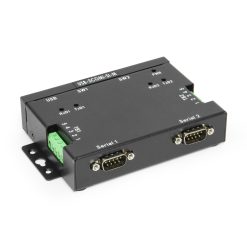
Model# USBG-2COMi-SI-M
$221.99Not in stock - Backorder allowed
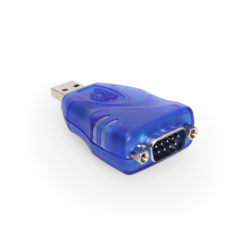
Model# USBG-232MINI
$27.29In stock
Model# USBG-COM-SI-M
$114.99In stock

Model# USB-COMiPLUS
$70.49In stock
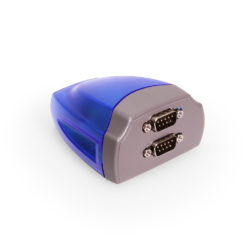
Model# XC-232-C
$68.99In stock

Model# USB-32COM-RM
$706.49Not in stock - Backorder allowed
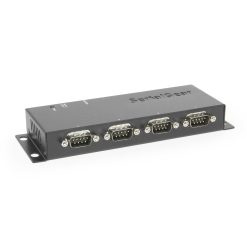
Model# USBG-BAY4
$147.49In stock

Model# USBG-SSRS1
$95.29In stock
Need help with a Coolgear product you’ve purchased? Get product support from our on-site engineers.
Contact our sales team for assistance before you buy a Coolgear product.





























Reviews
There are no reviews yet.