Features:
USB Type-C PD Chargers
USB Type-A Chargers
Multi-Port USB Chargers
Integration-Ready Charging PCBAs


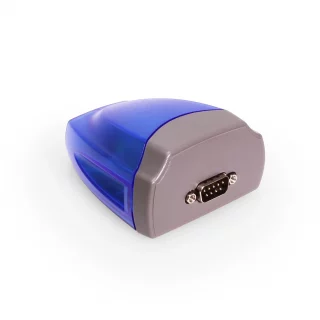
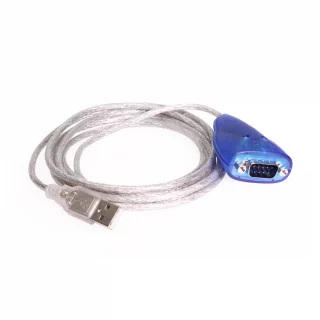
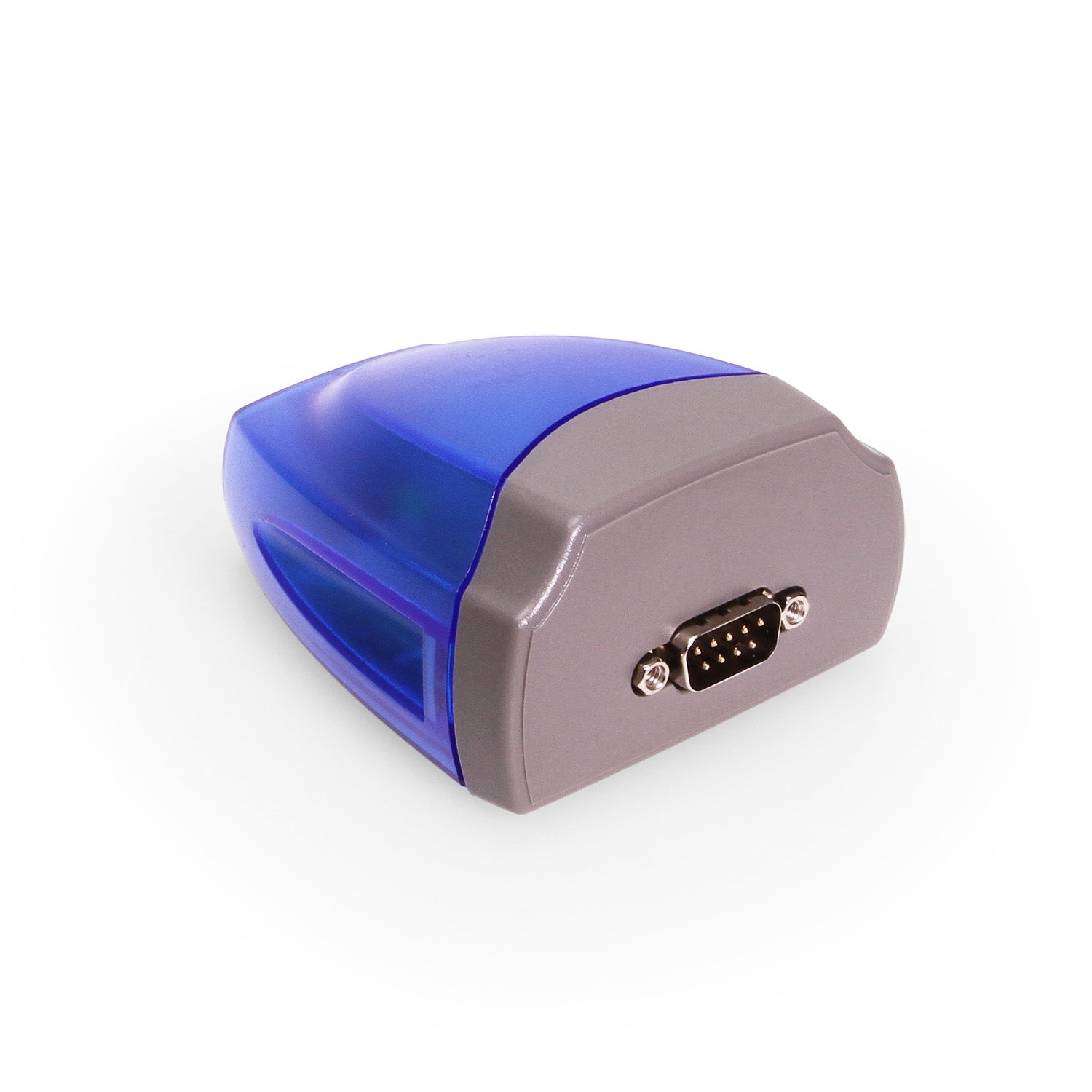
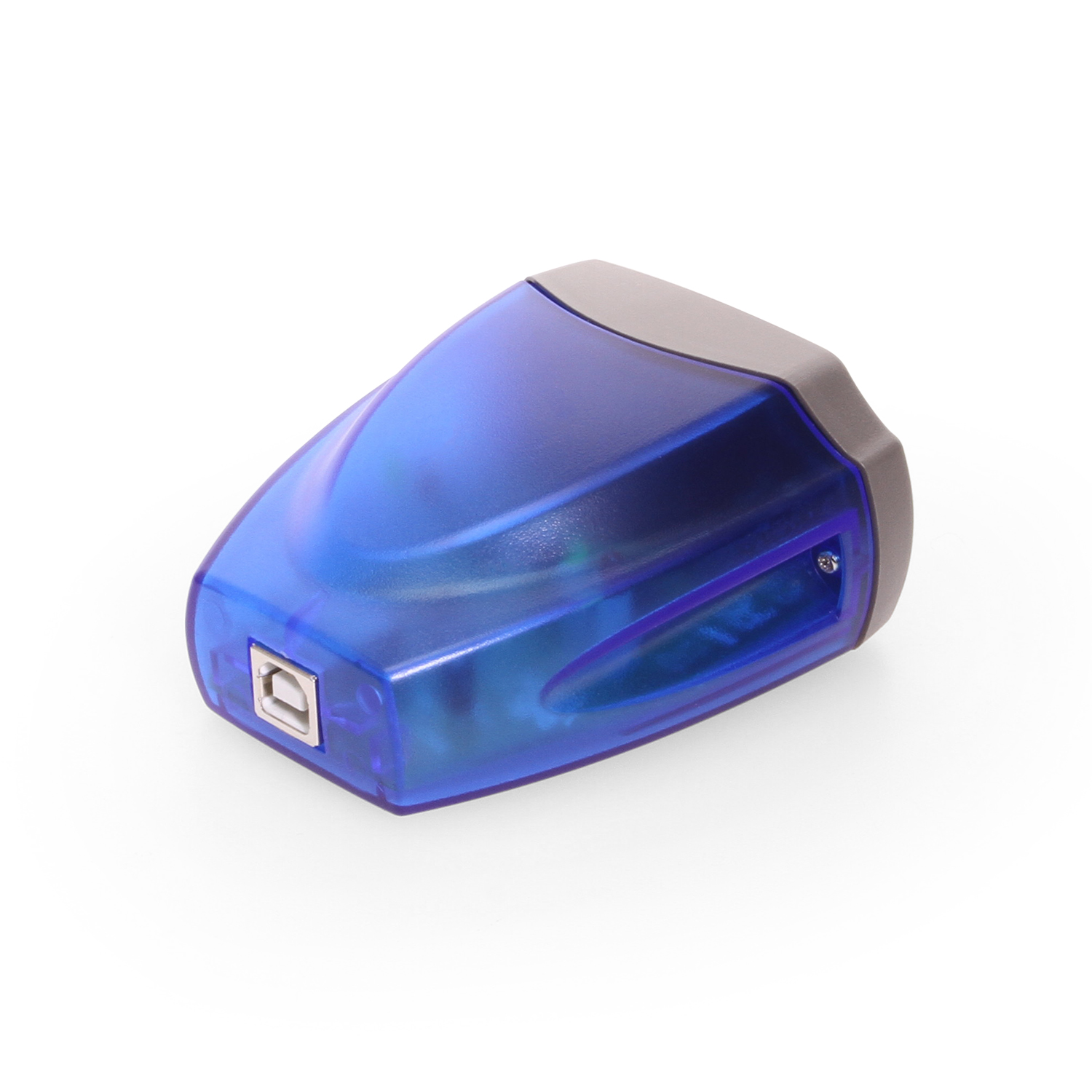
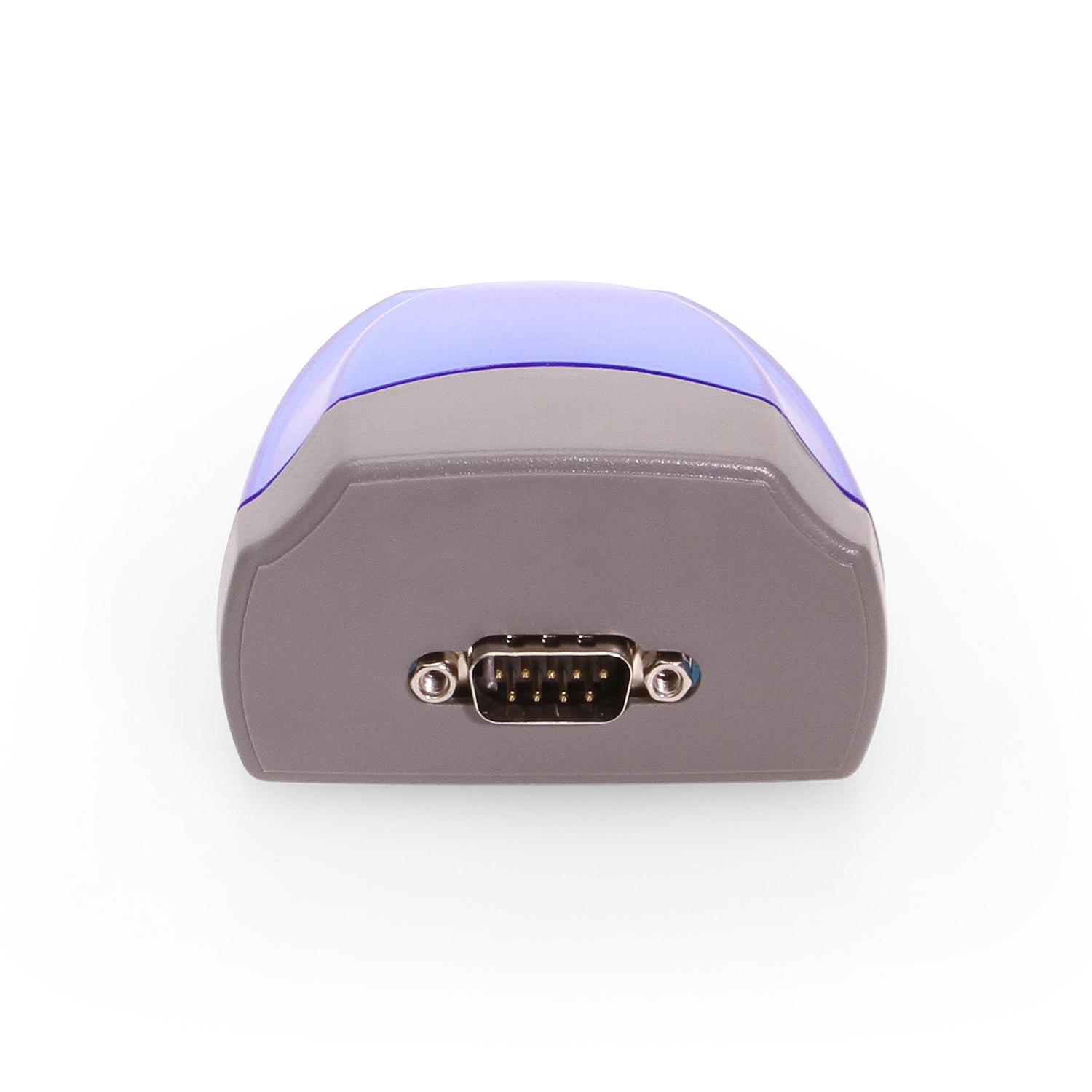
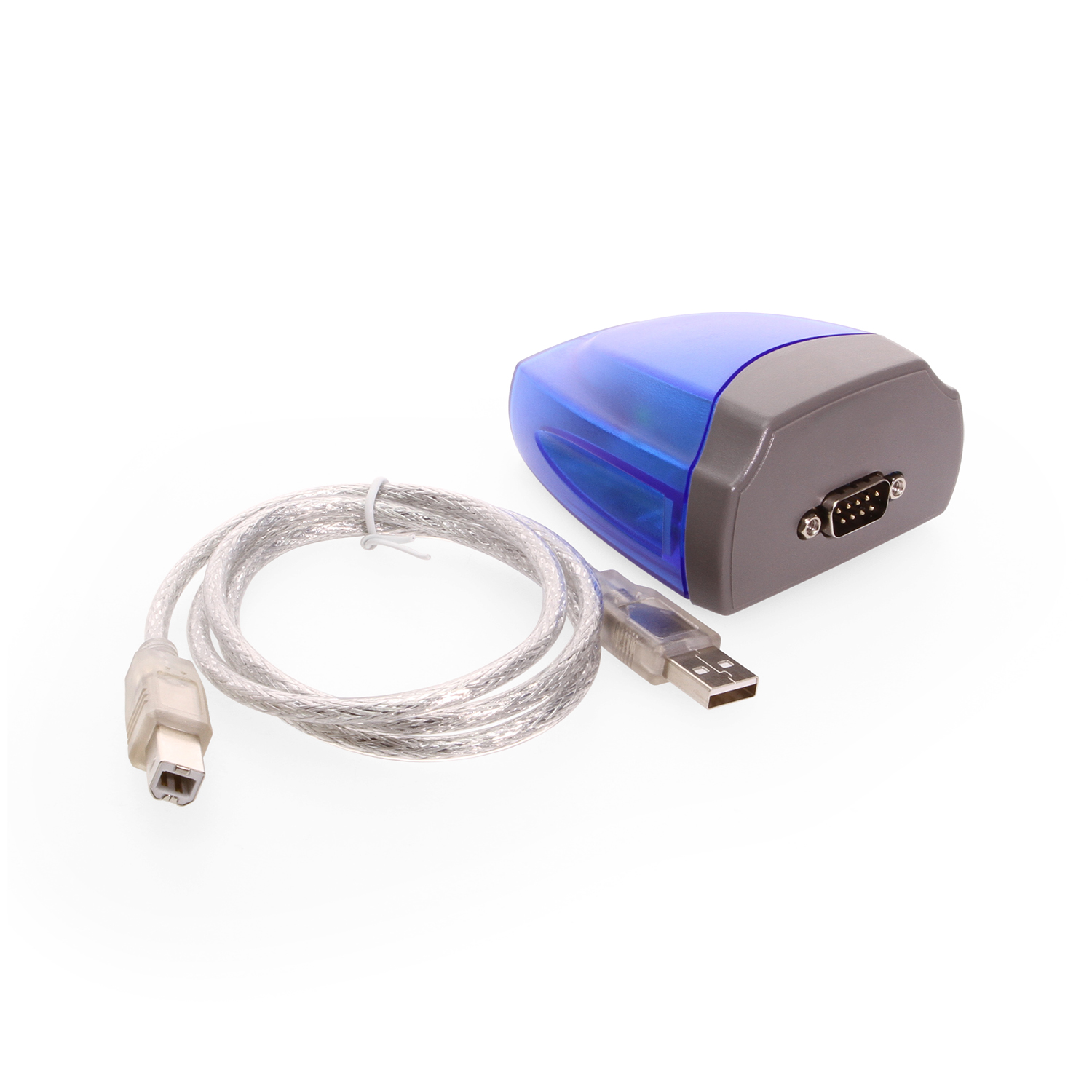
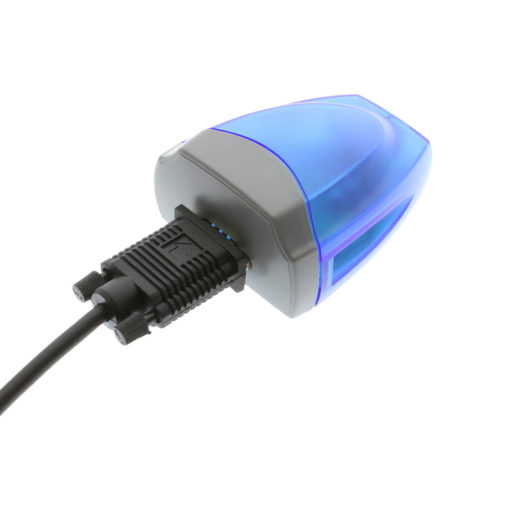
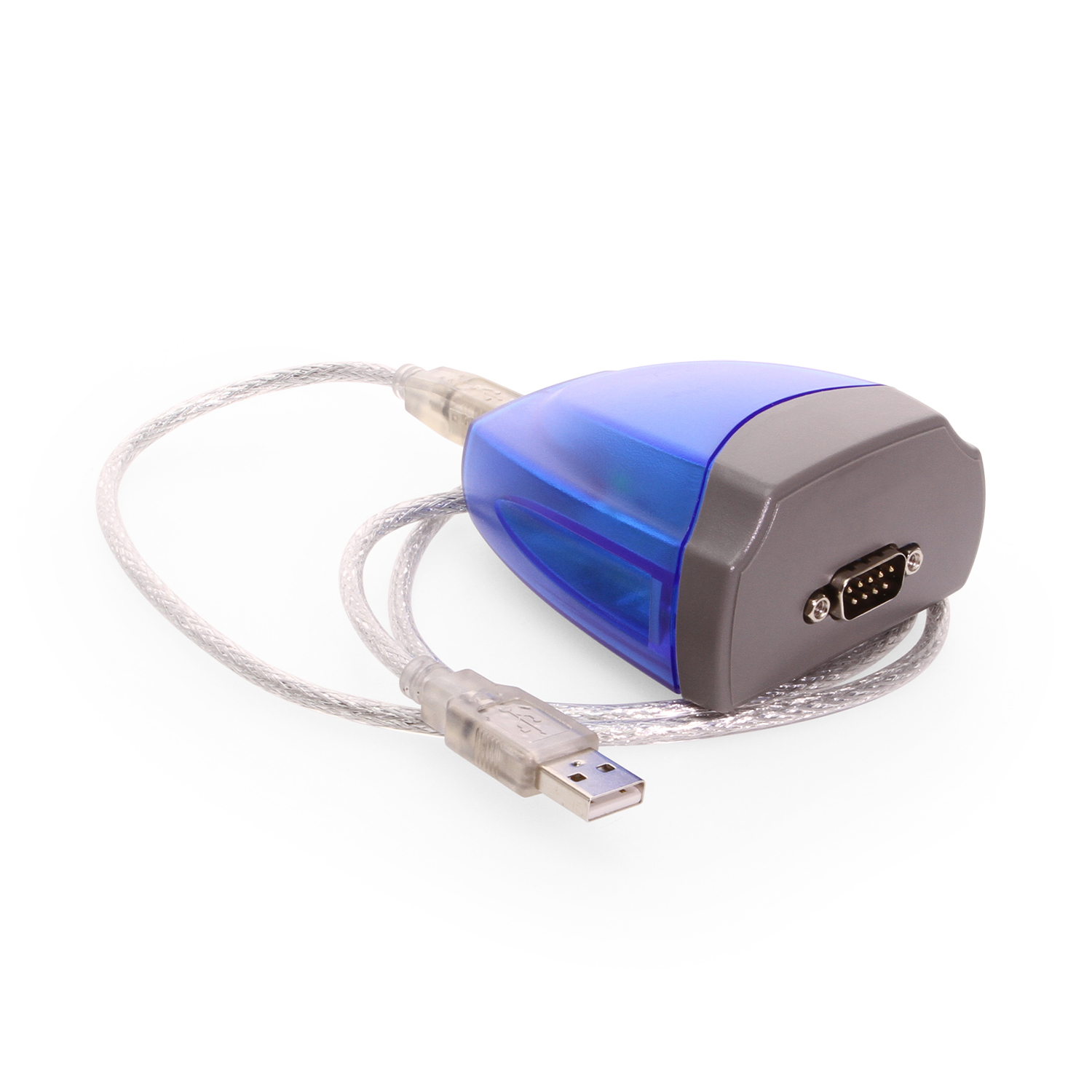
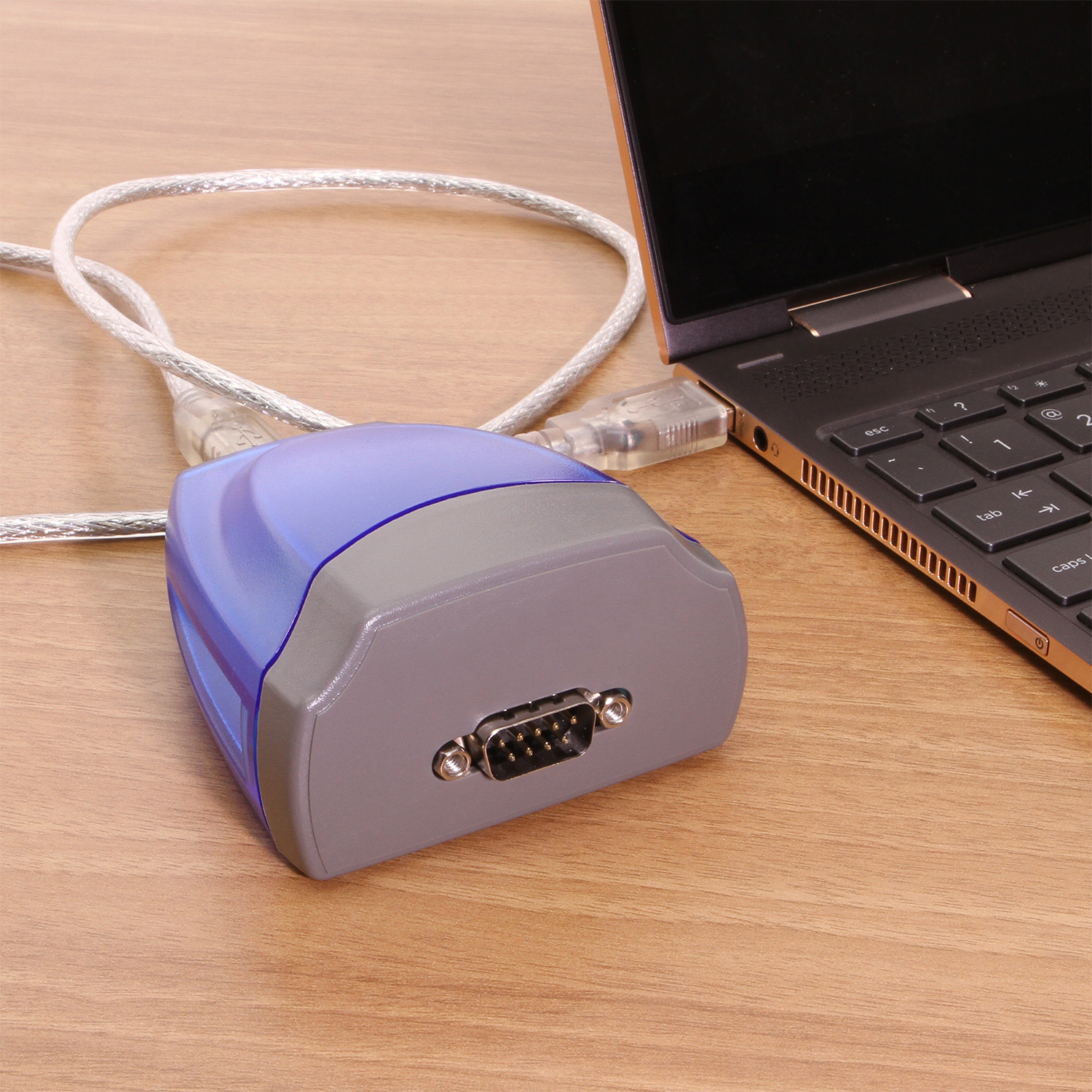
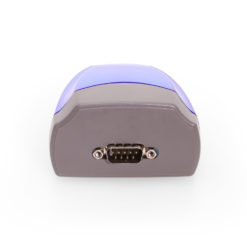
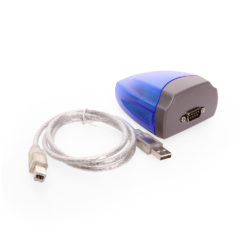
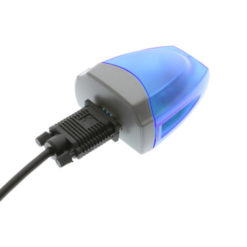
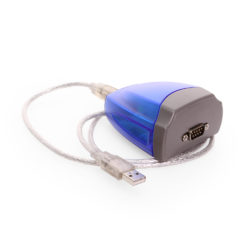
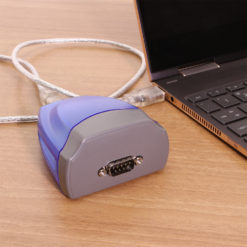
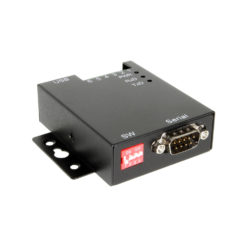
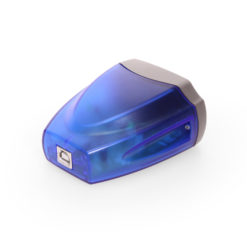
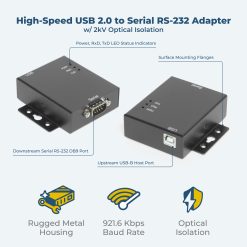
The Single Port USB 2.0 to RS-422 / RS-485 DB-9 Serial Adapter enables seamless communication between industrial RS-422 and RS-485 serial devices and a computer via a USB 2.0 port. This adapter is designed for environments that require reliable serial communication and efficient port expansion, making it an essential tool for system integrators, industrial automation professionals, and engineers needing high-speed data transfer in resource-constrained systems. With built-in direction control on RS-485 and Windows-native recognition as a standard COM port, it simplifies connectivity and management.
The Single USB to RS422 Serial Port Adapter with the 128 byte FIFO allows high-speed communication, even in heavy loaded systems or systems without native COM port access, unique features reduce the system load. The serial port adapter also allows unusual speed settings like 500.000bps.
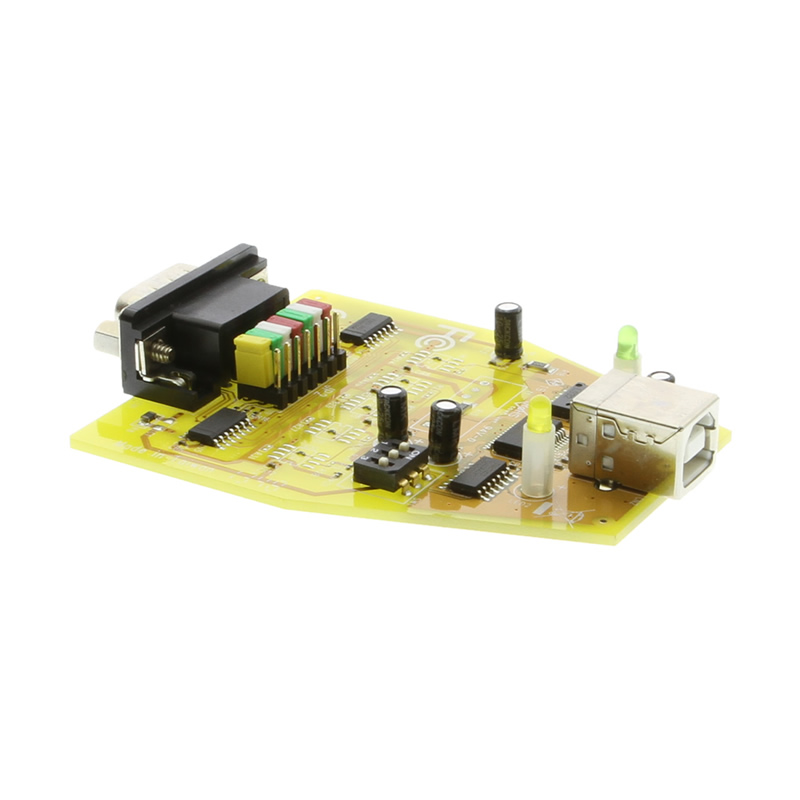
RS-422 & RS-485 Mode Block Configuration SW (DIP Switch) for Mode Setting
| Operation Mode | S1 | S2 | S3 | |
| RS-422 | 4 wire with Handshaking | ON | ON | ON |
| RS-485 | Full Duplex (4 wire) | OFF | ON | ON |
| Half Duplex (2 wire) – with Echo |
OFF | OFF | ON | |
| Half Duplex (2 wire) – without Echo |
OFF | OFF | OFF |
Hardware Specifications
Data Signals Supported:
OS Support:
Ordering Information

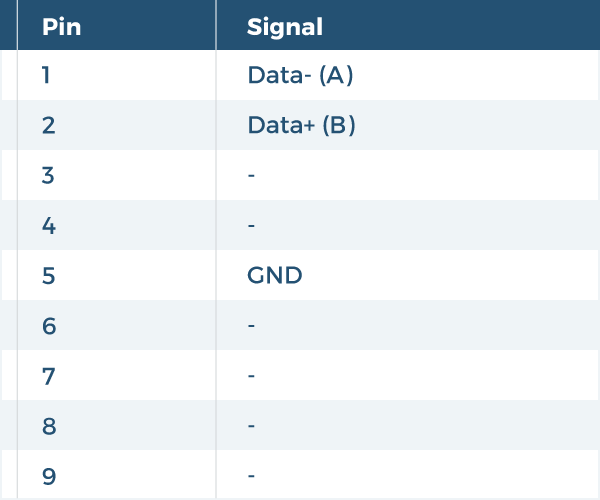
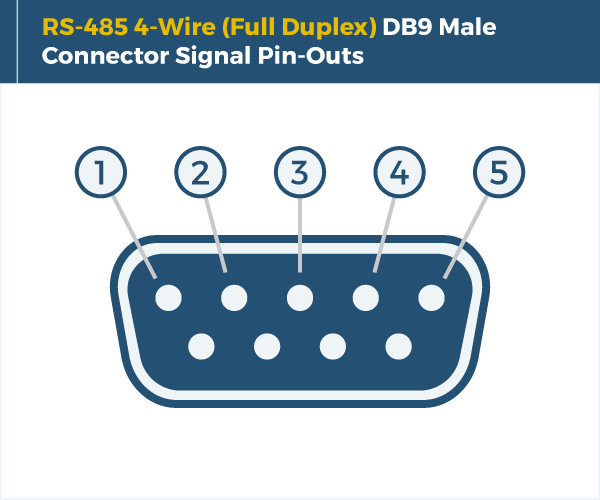
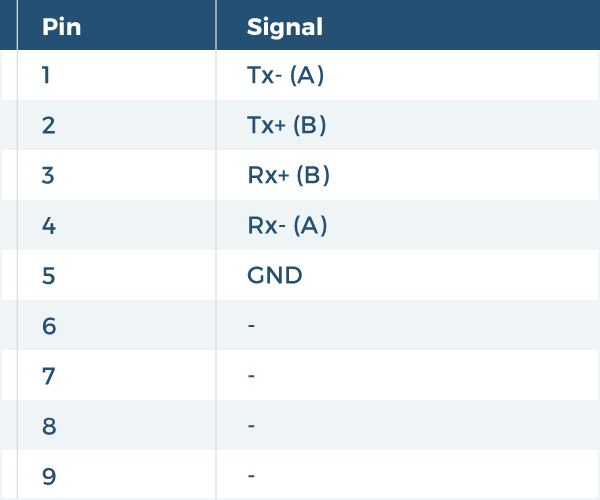
| Power | Adapter Power: USB Bus Powered Power Source: USB Connector Bus Power Support: N – External Power Required |
|---|---|
| Compliance | Country of Origin: Taiwan Certifications: TAA, CE, FCC, REACH, RoHS |
| Physical Characteristics | Color: Blue, Gray Item Dimensions (L × W × H): 3.3 × 2.87 × 1.62 in. Item Weight (Oz.): 0.181 lbs. Ports: 1 Serial Port Material of Construction: Plastic Screw Lock Compatible: Yes |
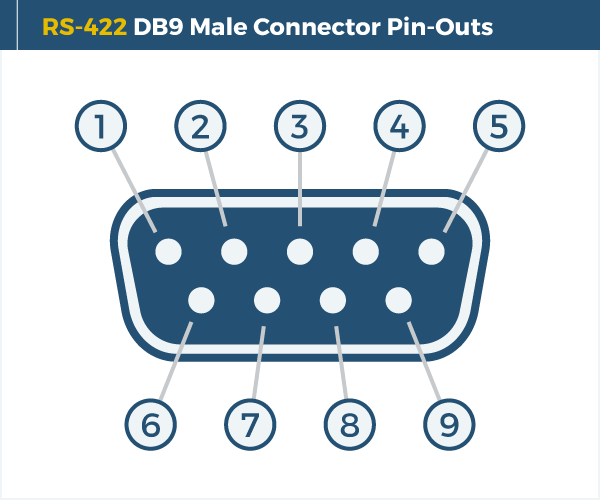
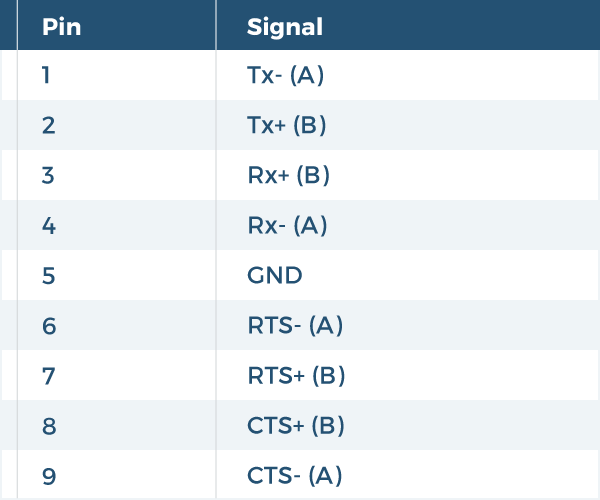
| Serial Attributes | RS Signals: CTS, GND, RTS, RXD+, TXD+ Serial Standards: RS422, RS485 Serial Baud Rate Maximum: 921.6 Kbps FIFO Receive: 128 bytes FIFO Transmit: 256 bytes Data Bits: 7, 8 Serial Parity: None, Even, Odd, Mark, Space Stop Bits: 1, 2 Flow Control: Hardware (RTS, CTS), XON/XOFF Serial Port qty: 1 |
| What's in the Box | Package Contents: Driver/Software Disk, USB Cable, USB Serial Adapter |
| Software | OS Support / Compatibility: Windows 11, Windows 10, Windows 8, Windows 7, Windows Vista, Windows XP, Mac OS, Linux |
| Environmental | Operating Temperature Range: 0C ~ 55C Storage Temperature: -20C ~ 75C Humidity: 5% to 95% RH |
| Product Information | Warranty: One Year |
| Hardware | Chipset: FTDI LED Indicators: TX / RX |
| Performance & Safety | ESD Protection: 15kV Max Data Transfer Rate: 12Mbps |
| Additional Details | UPC: 729440690861 Connector: DB9 Male w/ Nuts Chip Model: FT231XQ-R, MAX3089E USB Specification: USB 2.0 (480Mbps) Weight: 0.6500 lbs Dimensions: 4.0000 × 4.0000 × 2.2500 in |

|
Windows FTDI Driver Compatible with Windows XP, Vista, 7, & 8 |
The RS422/485 single port serial adapter has certain accessories that work with it. These accessories are what you can order if needed.

Model# 9DBMF5FT
$2.99Out of stock
View frequently asked product questions below. For all serial troubleshooting, visit this page.
Still need help? Reach out!
Most of our single and dual-port models are USB bus-powered. High-density rackmount models (8-port+) feature integrated or external power supplies for maximum signal integrity.
Isolated adapters use optical barriers to physically separate the electrical signals. This protects your computer from 2,500V surges and ground loops common in factory environments.
Yes, all Coolgear Serial adapters use modern FTDI or Silabs chipsets with WHQL-certified drivers for full Windows 11, Mac, and Linux support.
COM Port Retention ensures that your assigned COM port number remains the same every time you plug in the adapter or reboot your PC. This prevents software communication errors and eliminates the need to manually reconfigure your application settings whenever hardware is moved.
Test your components by:
When testing cables:
When testing serial ports and devices:
Note: You are required to restart your computer after disabling the Driver Signature Enforcement. Save all open work on your computer.
Disable driver signature enforcement:
When your system restarts:
When your computer restarts, Driver Signature Enforcement will be disabled and you can install the drivers.

Model# MSD-SRF2XM
$197.99In stock

Model# CM-41082
$430.29In stock
Model# USB-COMi-SI-M
$138.99In stock
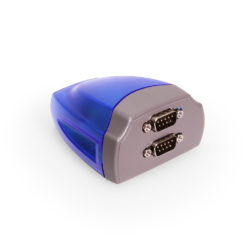
Model# XC-232-C
$68.99In stock
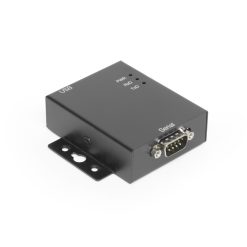
Model# USBG-COM-SI-M
$114.99In stock
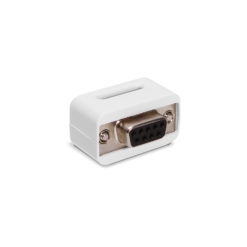
Model# iSerial-TB5
$23.29Out of stock

Model# USBG-SSRS1
$95.29In stock

Model# USB-4COMi-M
$211.99Out of stock
Need help with a Coolgear product you’ve purchased? Get product support from our on-site engineers.
Contact our sales team for assistance before you buy a Coolgear product.