


Features:
USB Type-C PD Chargers
USB Type-A Chargers
Multi-Port USB Chargers
Integration-Ready Charging PCBAs

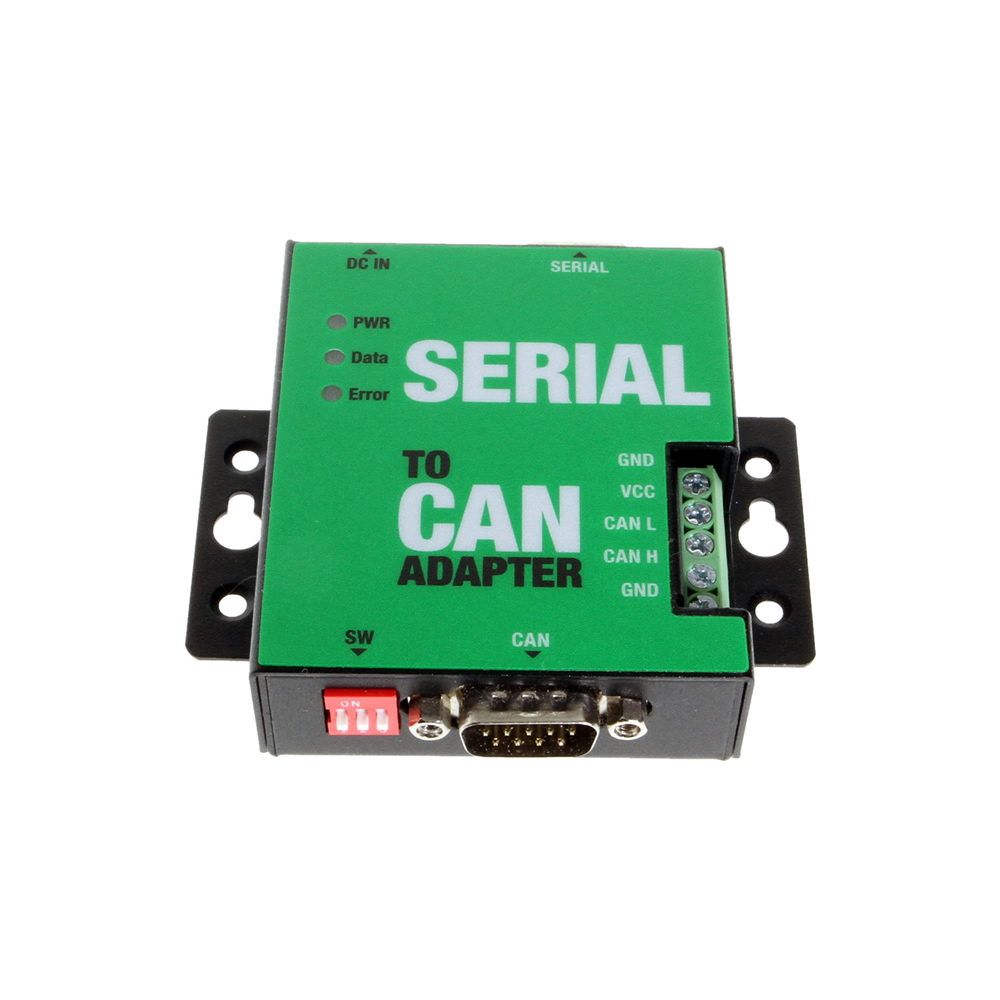
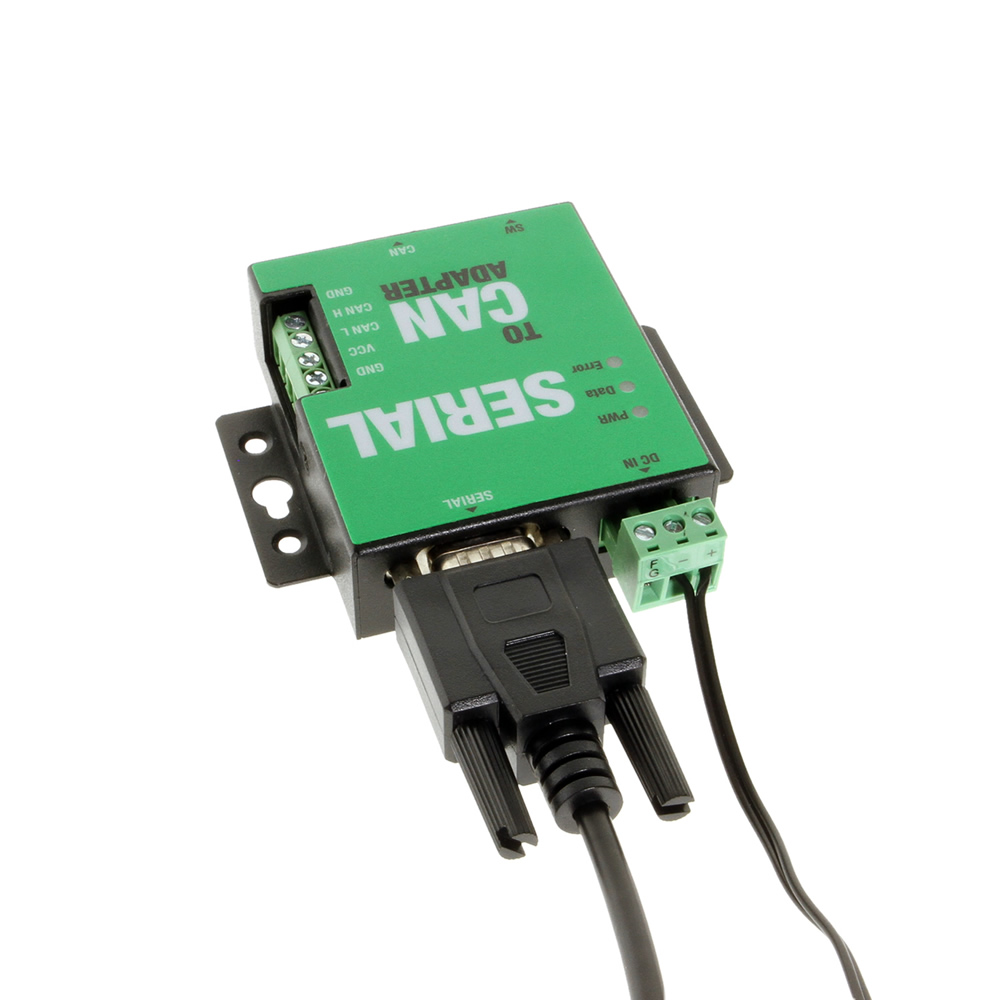
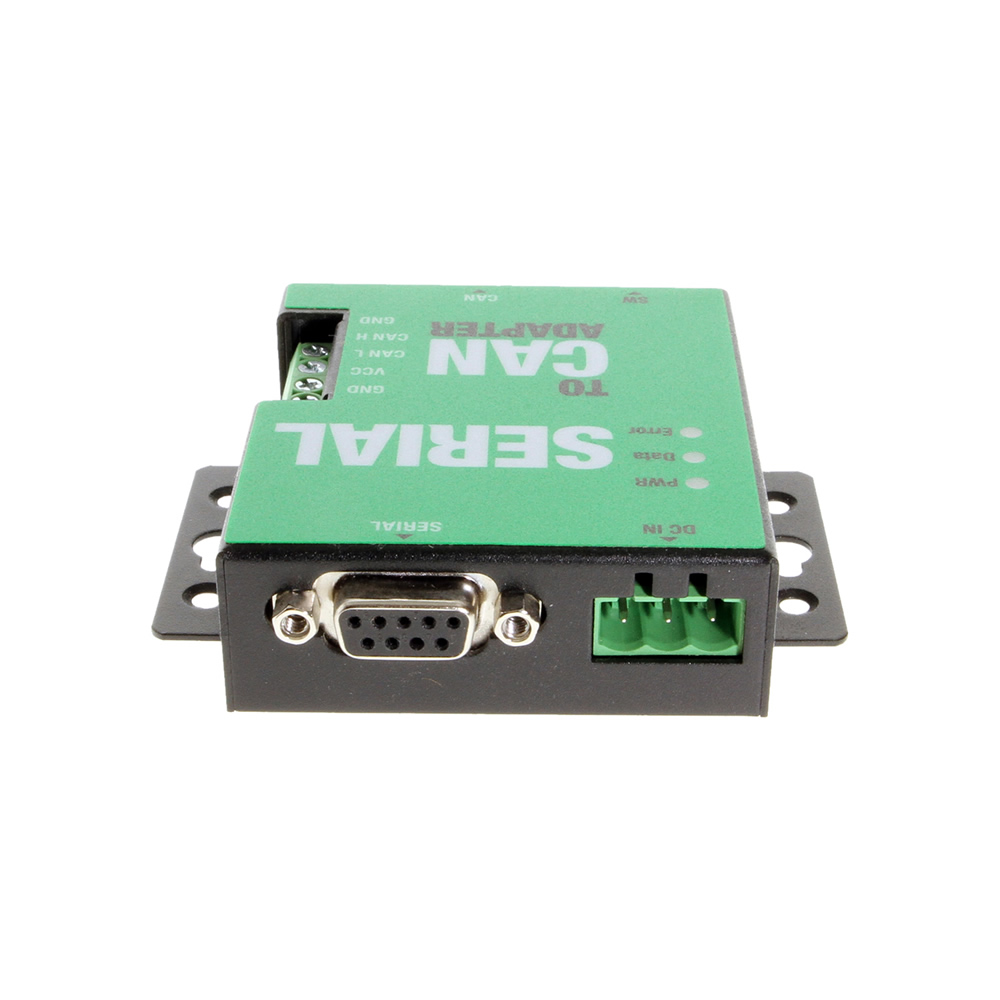
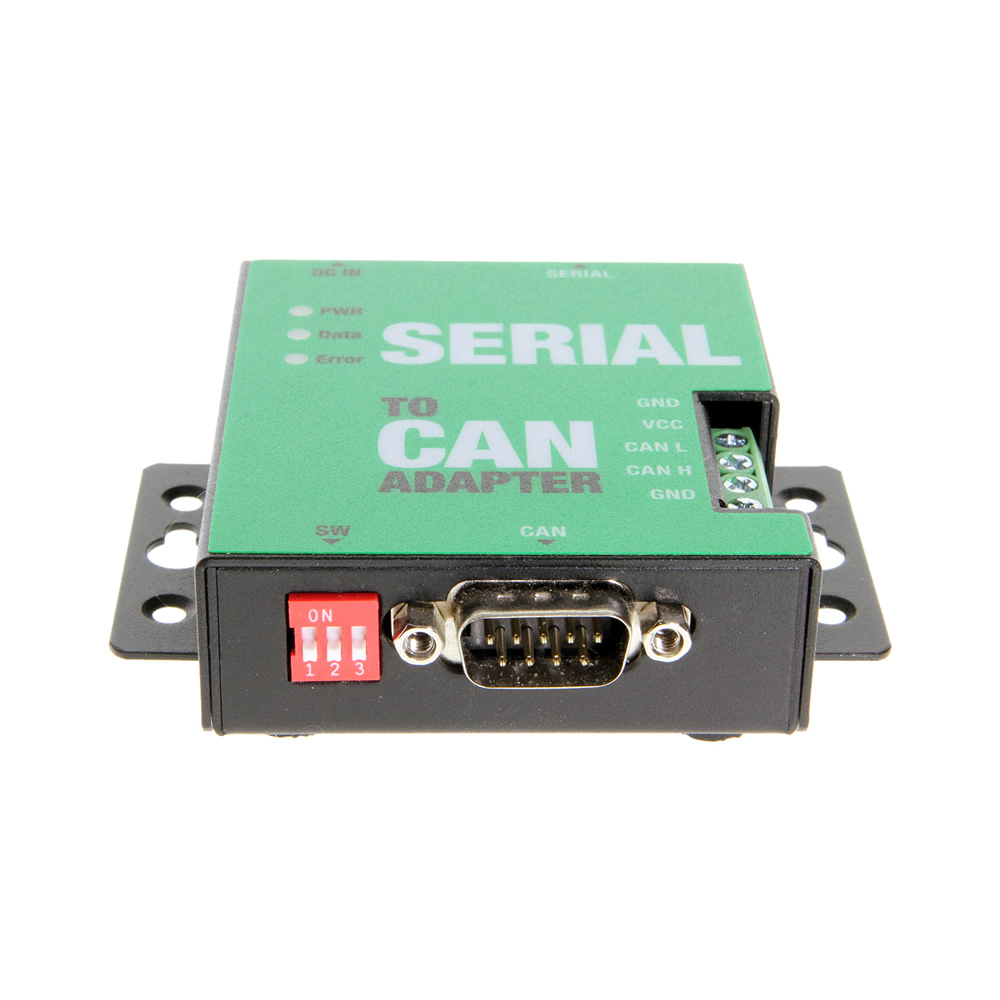
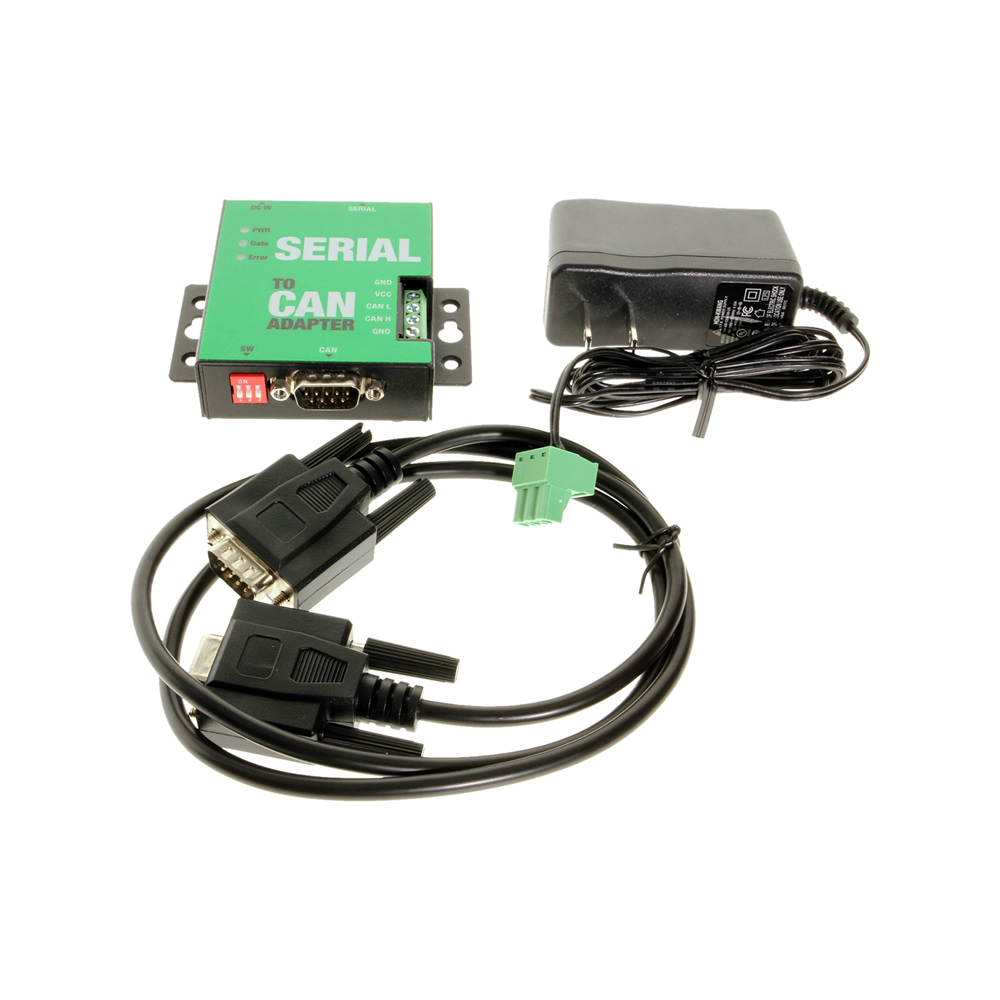
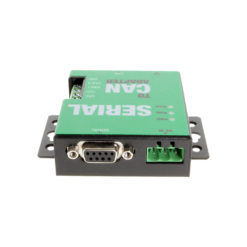
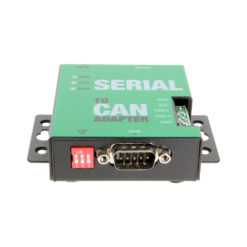
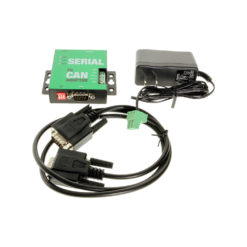
The Serial RS-232 CAN Bus adapter connects to your computer’s DB-9 serial port to create the CAN Bus protocol. It includes a 12V power adapter that can be plugged into the wall for power and is mountable to flat surfaces.
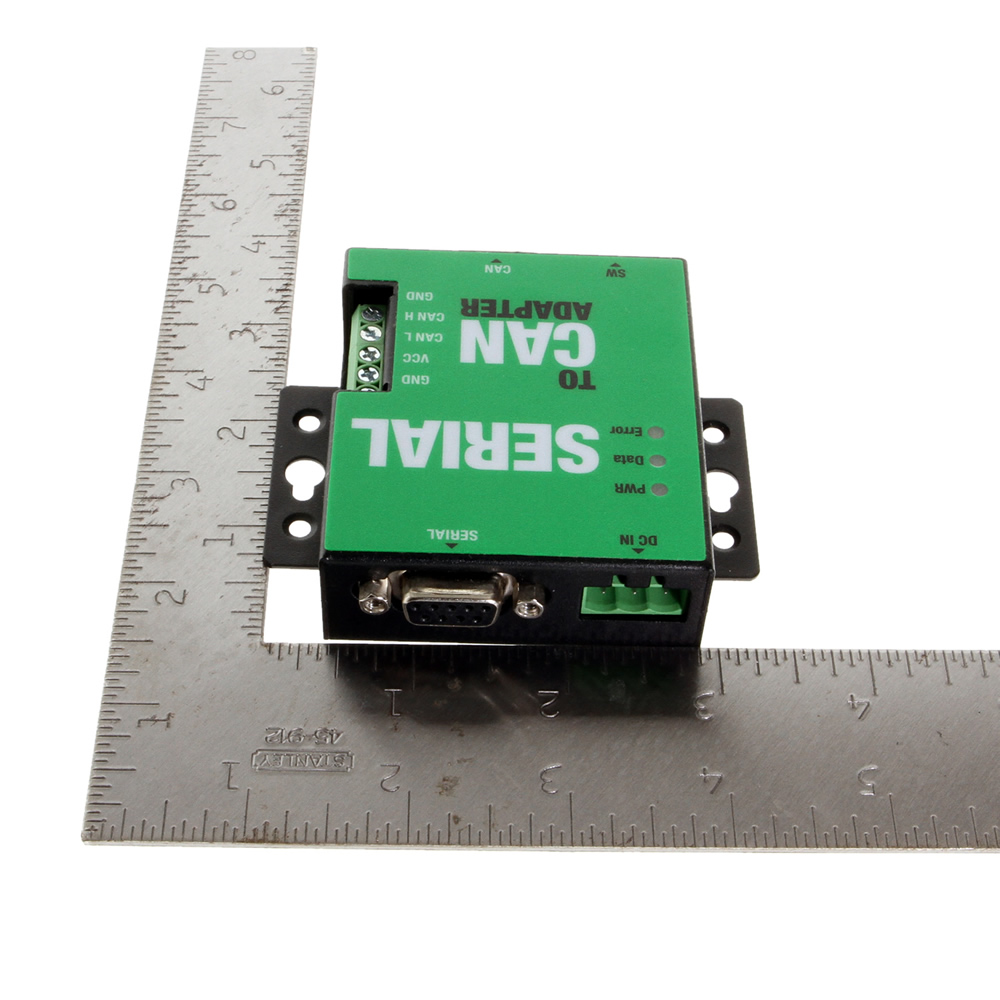
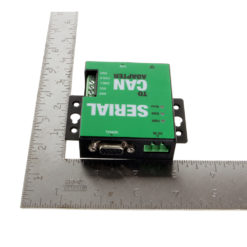
The CG-1P232CAN adapter is a compact and powerful Serial RS-232 CAN Bus Adapter. Protected by a rugged metal chassis, it adds one CAN Bus port to your computer’s system via RS-232 port. It supports a standard DB-9 connection for CAN modes Standard, Listen, and Echo. Using ASCII commands, the CAN adapter can be controlled over the serial port connection.
This Serial RS232 to CAN Bus adapter is mountable to any flat surface with the mounting flange connected to the chassis. Power, Data, and Error LED’s work when the adapter is connected to the computer’s serial port and included power adapter is plugged in.
Speed: 5kbps to 1Mbps for transmit & receive
OS Support:
*Surface Mounting screws not included.
| Power |
| ||||||||||
|---|---|---|---|---|---|---|---|---|---|---|---|
| Compliance |
| ||||||||||
| Physical Characteristics |
| ||||||||||
| Serial Attributes |
| ||||||||||
| Software |
| ||||||||||
| Environmental |
| ||||||||||
| Hardware |
| ||||||||||
| Performance & Safety |
| ||||||||||
| Other Data |
|
View frequently asked product questions below. For all serial troubleshooting, visit this page.
Still need help? Reach out!
Most of our single and dual-port models are USB bus-powered. High-density rackmount models (8-port+) feature integrated or external power supplies for maximum signal integrity.
Isolated adapters use optical barriers to physically separate the electrical signals. This protects your computer from 2,500V surges and ground loops common in factory environments.
Yes, all Coolgear Serial adapters use modern FTDI or Silabs chipsets with WHQL-certified drivers for full Windows 11, Mac, and Linux support.
COM Port Retention ensures that your assigned COM port number remains the same every time you plug in the adapter or reboot your PC. This prevents software communication errors and eliminates the need to manually reconfigure your application settings whenever hardware is moved.
Test your components by:
When testing cables:
When testing serial ports and devices:
Note: You are required to restart your computer after disabling the Driver Signature Enforcement. Save all open work on your computer.
Disable driver signature enforcement:
When your system restarts:
When your computer restarts, Driver Signature Enforcement will be disabled and you can install the drivers.
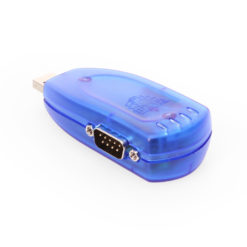
Model# USBG-232FT-1
$52.99In stock

Model# USB-16COMi-RM
$758.99Not in stock - Backorder allowed

Model# MSD-SRF2XM
$197.99In stock

Model# USB-COMiPLUS
$70.49In stock

Model# USB-16COM-RM
$491.99In stock
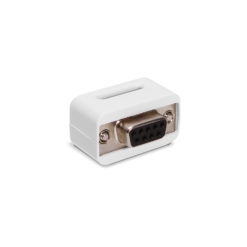
Model# iSerial-TB5
$23.29Out of stock
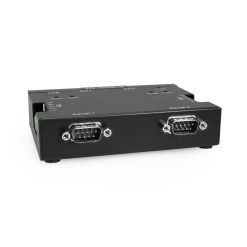
Model# USB-2COMi-M
$206.99In stock

Model# USBG-COMi-M
$87.49In stock
Need help with a Coolgear product you’ve purchased? Get product support from our on-site engineers.
Contact our sales team for assistance before you buy a Coolgear product.





























Reviews
There are no reviews yet.